
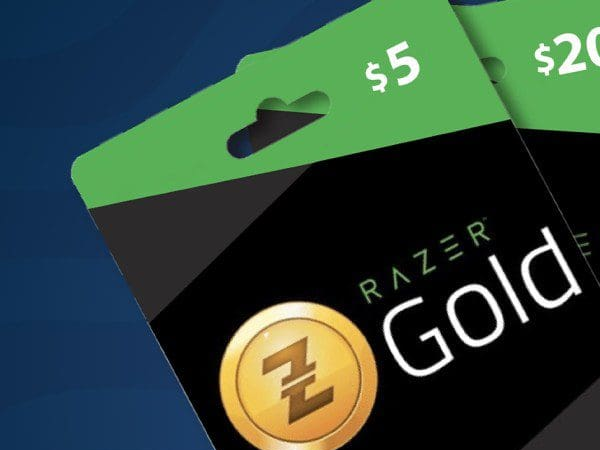

What Is A Razer Gold Gift Card?
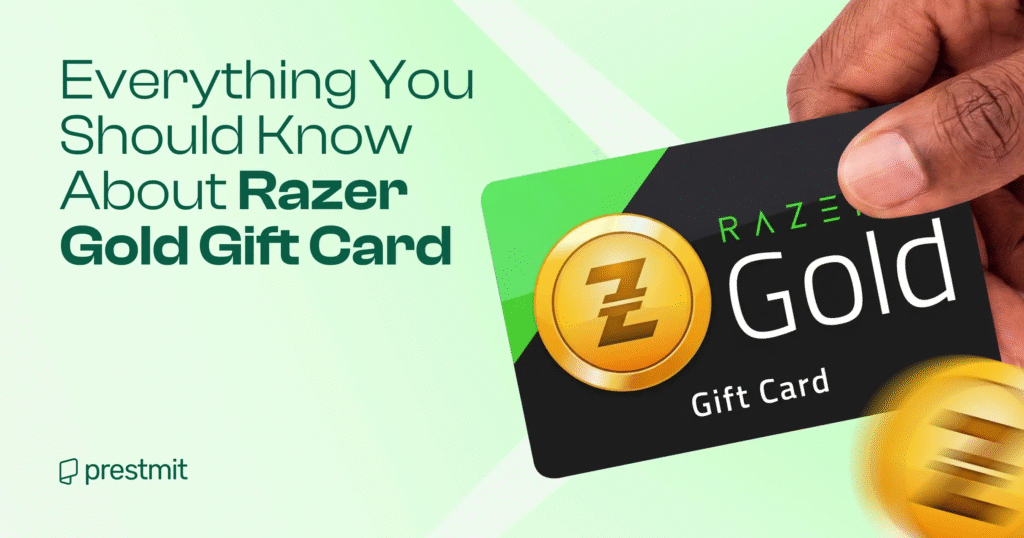
A Razer Gold gift card is a prepaid card you can use to buy games and in-game content on the Razer store. Razer Gold issues the Razer Gold gift card, and it is notable for being the virtual currency for gamers across the world. You can access over 40,000 games and entertainment titles with in-game content on the official Razer store. As a gift card designed by the Razer brand, you can use Razer Gold gift cards to buy over 2,000 games and other entertainment content by reloading your Razer Gold account online.
How to Check the Balance on a Razer Gold Gift Card
The steps involved in checking your Razer Gold gift card balance are straightforward. There are 3 different options you can leverage to get it done. Let’s check them out.
- Checking the Balance Through the Razer Gold Website
- The first step is to visit the Razer Gold website via any browser.
- Sign in to your account by entering your email address and password. If you don’t have an account, click on “Create Razer ID” to create one.
- Next, navigate to the “Gold” section.
- Navigate to the “Balance” section. Your balance is available there.
- Checking the Balance Through the Razer Gold Mobile App
- Go to the App Store or the Play Store to download the Razer Gold mobile app.
- Sign up with your details and log in once done.
- Navigate to the “Gold” section in the mobile app.
- Now, scroll to the “Balance” section. Check your current balance there.
- Checking the Balance Through Customer Support
- Visit the Razer Gold.
- Navigate to the “Help” menu.
- Hover on it and click on “Others”
- Scroll down and click on “Chat” on the left-hand side.
- Enter your name, email address, phone number, and what you need help with.
Importance of Checking Razer Gold Gift Card Balance
I will definitely recommend keeping tabs on the balance on your Razer Gold gift card. It’s my favorite gift card and my first. Checking the balance on the card helped me in several ways, which I will share with you. Before you make your next purchase, knowing the current balance on your Razer Gold gift card will help you know if you have enough funds for it. This is ideal when you plan to buy multiple items. It’s also a good way to affect your spending budget and ensure you aren’t spending beyond what you intend.
How to Buy Razer Gold Gift Cards
You can buy your Razer Gold gift card online and at physical stores that accept gift cards. This largely depends on which of these options brings you more convenience.
1. Razer Online Store
You can buy your Razer Gold gift card from its official brand store online. Many people, especially beginners, prefer to buy their gift cards here because of the perfect safety it provides as the official site that issues Razer Gold gift cards.
How To Buy a Razer Gold Gift Card On the Razer Store
- Visit the official Razer gift card
- Click on “Purchase a digital gift card”
- Customise your gift card with your preferred design
- Enter the value of your gift card, which can range between $10 $1,000
- Choose your preferred delivery option
- Make a payment to complete the purchase
2. Online Retailers
There are a large number of online platforms from which you can buy your Razer Gold gift card. One thing you just have to do is take caution when buying from online retailers. These online retailers can be a gift card trading platform or an online marketplace that sells gift cards. This Xbanka falls in the category of gift card trading platforms, and it is the best platform that sells different kinds of gift cards, including Razer Gold gift cards.
3. In-Store
You can also buy your Razer Gold gift cards from physical stores closer to you. These can be supermarkets or bookstores that sell gift cards. But you must ensure to activate your Razer Gold gift card immediately after purchasing from these stores to be able to use your gift card.
How to Redeem a Razer Gold Gift Card
You need to redeem your Razer Gold gift card before you can start to use the credit of the gift card to access different content. The two major ways in which you can redeem your gift card are through its official website and physical stores.
1. How To Redeem a Razer Gold Gift Card Online
- Visit the Razer Gold website and sign in to your Razer Gold account
- Click on “Reload Now” and select “Razer Gold PIN”
- Enter the PIN
- Complete the two-step authentication
- Earn Razer Silver from your Razer Gold gift card
2. How To Redeem a Razer Gold Gift Card In-Store
You can redeem your Razer Gold gift card in-store by giving your card PIN to the cashier at the store to help you redeem the gift card.
Things to Remember When Redeeming Your Razer Gift Card
- Ensure the Gift Card Is Valid
- Use the Correct Region
- Redeem on the Official Platform Only
- Check Your Internet Connection
- Log in to the Correct Account
- Enter the Code Carefully
- Verify the Balance After Redemption
How to activate a Razer gift card balance
To activate a Razer Gold gift card, you need to redeem it on the Razer Gold website by logging into your account, going to the “Reload” section, and entering the gift card PIN. The balance will be added to your account, and you can then use it to purchase games, in-game items, and other digital content.
Best Place to Sell Razer Gold Gift Card Online — Xbanka
Xbanka is known for offering some of the most competitive gift card rates, especially for high-demand cards like Razer Gold. This allows users to get the best value from their trade. It operates a sophisticated security infrastructure that includes encryption and two-factor authentication. This security architecture ensures that your personal data and cash are always protected. They also have a dedicated customer support team that works around the clock, ready to assist. Xbanka has an automated gift card rate calculator that enables users to check the value of their card before committing to a trade. Xbanka is well-rounded in its delivery of speed and convenience, so you’ll be sure to have a bit of your experience in the app.
Why Trade with Xbanka?
Xbanka offers a fast, secure, and reliable way to convert your razer gold into cash at the best market rates in Nigeria. With instant payouts and transparent transactions, you can trust Xbanka for hassle-free trading.
Steps to Trade Your Razor Gold Gift Card with Xbanka
- Create or log in to your Xbanka account.
- Select “Razor Gold Gift Card” from the list of supported cards.
- Enter your card details and confirm the trade.
- Receive instant payment in Naira directly to your bank account.
Benefits of Trading Macy’s Gift Cards with Xbanka
- Best conversion rates guaranteed.
- Quick and secure payment process
- 24/7 customer support to assist you anytime
What Are The Common Issues With Razer Gold Gift Cards?
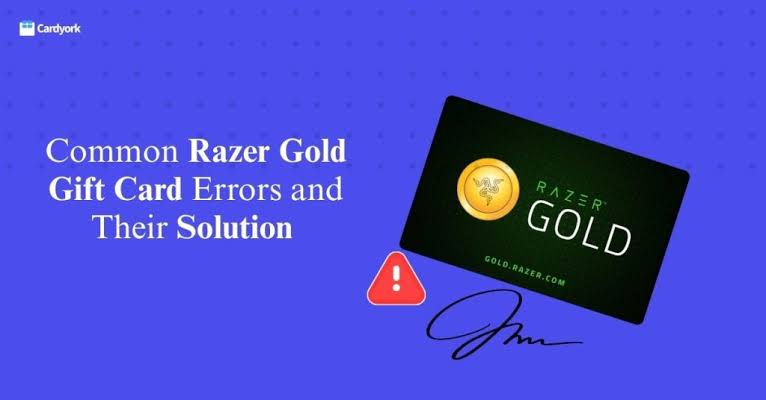
You need to know some common errors associated with redeeming Razer Gold gift cards. These errors can be human errors or technical errors, but they largely affect the successful redemption of your gift card.
Common error messages you can receive while redeeming your Razer Gold gift cards are:
- Invalid code error: This is an error you make when you enter the 19-digit card number incorrectly. The solution here is to painstakingly enter the card number to avoid mistakes.
- Already redeemed error: You may encounter this error message when your Razer Gold gift card has been redeemed before you. You can resolve this issue by checking your Razer Gold gift card balance or contacting your retailer to make a complaint.
- Unable to load error: This is a technical error that has to do with the Razer site downtime. Try to redeem your gift card after a few minutes to get your Razer Gold gift card redeemed.
Conclusion
The different methods discussed will help you easily check the balance on your Razer Gold gift card. You can check via the Razer Gold website or via the mobile app. Another effective method is to contact customer support by filling out the form on their website to make an inquiry about your card balance. In addition, make sure to follow the tips shared above in case of any issues while checking your Razer Gold gift card balance.
FAQ
- Can Razer Gold transfer to a bank account?
Unfortunately, Razer Gold credits cannot be transferred to a bank account as they are designed to be used specifically for purchases within the Razer ecosystem. However, you may be able to use the credits to purchase other products or services within the Razer ecosystem, such as games or hardware.
- Is Razer Gold real money?
Razer Gold is a virtual credit system designed for gamers to purchase in-game content, digital goods, and services. It is a unified currency accepted in thousands of games and platforms worldwide.
- How much is 1 Razer Gold?
Currently, the rate for Razer Gold gift cards on GiftCard8 ranges between ₦1,204 and ₦1,800 per dollar, depending on whether the card is an E-code or a physical card. E-code cards usually fall between ₦120,400 and ₦150,000 for a $100 card, while physical cards may go as high as ₦180,000.
- Why do people use Razer Gold?
Razer Gold is the unified virtual credits for gamers worldwide. Use Razer Gold in over 2,500 games and entertainment content to buy games and in-game items. Get more bang for your buck with exclusive game deals and get rewarded with Razer Silver, the loyalty rewards program for gamers.
- Where can a Razer Gold gift card be used?
You can use the Razer Gold gift card online or in store when purchasing games or downloadable content. A. These gift cards are used to purchase online content and games on the Razer website.



