
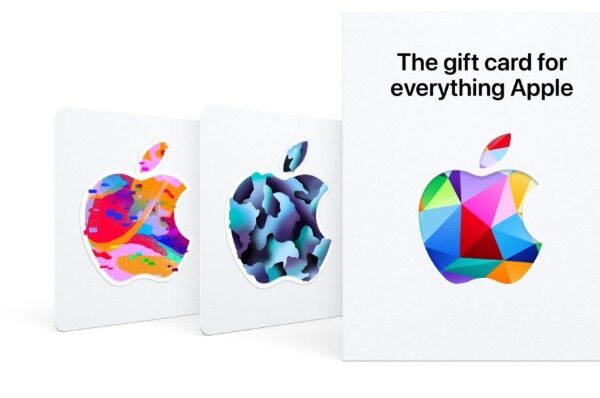

What is an iTunes gift card
An iTunes Gift Card is a preloaded card issued by Apple, allowing users to redeem it for various Apple services, including music, apps, movies, and more. These cards come in different denominations, making them suitable for different budget ranges. Whether you are an Apple enthusiast or gifting one to a friend or family member, iTunes Gift Cards offer an array of possibilities.
How to Check Your Apple Gift Card Balance
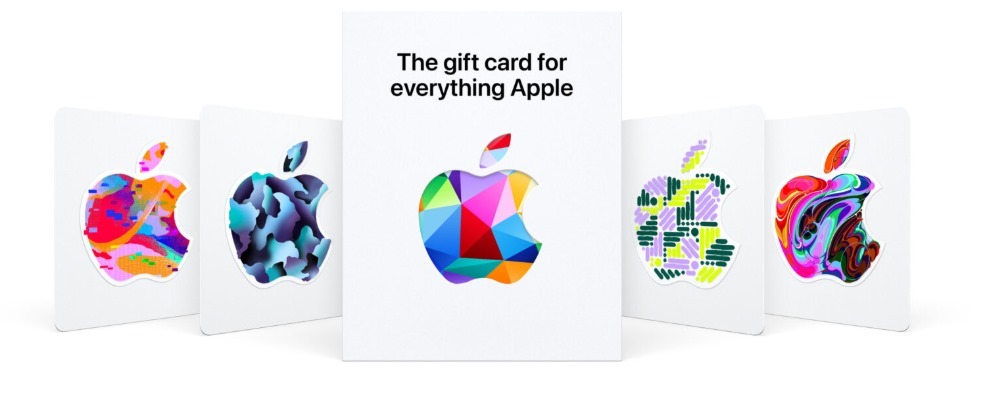
There are a few easy ways to check how much value you have left on your Apple gift card. Here’s how to do it:
1. Check through the App Store or iTunes Store
If you have an iPhone, iPad, or Mac, this is a quick method. Open the App Store or iTunes Store and tap your profile icon at the top right. From the menu, tap “Redeem Gift Card or Code” and enter the code on your card. If your camera is enabled, you can also scan the card instead. Once entered, your balance will be displayed on the screen. If you’ve redeemed the card in the past, the balance may already be tied to your Apple ID.
2. Check on the Apple Website
Using a browser, go to apple.com and sign in with your Apple ID. Click your account name in the top right corner and select “Redeem Gift Card.” Enter the gift card code, and your available balance will be shown. This method works well if you prefer checking on a laptop or desktop.
3. Check in an Apple Retail Store
If you’re near an Apple Store, you can walk in with the card and ask a staff member to check it for you. They’ll scan or input the card code and let you know how much is left. This is also useful if you’re unsure about the region or status of the card.
4. Check Over the Phone
You can also call Apple Support at 1-800-275-2273. Follow the prompts to speak with a representative. Once you provide the code on your card, they’ll confirm the current balance for you. This is a good backup option if you don’t have internet access at the moment.
How to Buy an iTunes Gift Card
There are two ways to buy iTunes gift cards – online or from physical retail stores. Most people prefer to buy online because they can only redeem the voucher online anyway. But just in case you want to buy the physical card for any reason at all, here are the two methods.
- Buying an iTunes Gift Card Online
You can buy an iTunes gift card from several gift card vendors. The perfect platform for you is Xbanka. Here’s how to buy an iTunes gift card from Xbanka.
- Go to the Xbanka website
- Create an account or sign in if you’re an existing user.
- On your dashboard, go to the Buy Gift Card page. Search for an iTunes gift card.
- Enter the amount and quantity you want to purchase. At the bottom of the page, you’ll see the amount you’re to pay in Naira, Cedis, and USD.
- On the next page, you can choose your preferred payment currency. You can pay with your Naira, Cedis, or
- Follow the prompts to complete the transaction, and you’ll receive the gift card details in your email inbox.
- Buying From Physical Stores
Locate any retail store that sells iTunes gift cards near you. Ask the attendant for an iTunes gift card, then pay and collect your card. In Nigeria, ShopRite and Konga are well-known retailers of iTunes gift cards.
Benefits of Using iTunes Gift Cards
1. iTunes Gift Card is Flexible
An iTunes gift card can be used by anyone, yes, that includes iOS and Android Users. It is almost just perfect for all smartphone users. For movie enthusiasts, an iTunes gift card can be used to stay entertained with the latest movies. Music can be bought using this card, should you not fancy music streaming as such. This will give you access to millions of songs and albums to build your playlist. For book lovers, you can browse through a massive library of books, make a choice, and purchase as many as you want with the gift card. For game enthusiasts, the iTunes gift card offers the opportunity to download premium games to keep you entertained.
2. It Is Ideal For Business Marketing
The iTunes card is perfect for marketing promotions. They can also be used as a prize for online contests. You can also put it in gift bags for valued clients. They work well as giveaways at trade fairs. What more? They can be used as simple tokens of appreciation for just anyone.
3. iTunes Cards Never Expire
A large number of gift cards have an expiry date, but an iTunes card isn’t one of them. Having this gift card, therefore, brings certainty and the assurance that your card will always be there. Peradventure, there are problems with redeeming your gift card; the chances you didn’t get it from a good seller are high. Redeeming your credit on this card is a direct process as long as you are sure it is an Apple Store Gift Card with a 16-digit code.
4. They Make Good Gifts and Can be Used Online
Talk about convenience at your fingertips. You can also forget going to the mall and suffering through traffic or long lines. By buying your gift card on the Web, you save time and money. And you do away with the stress of shopping, which is usual for the holidays. Not only that, your recipient instantly gets your gift online. This gift card also comes in different denominations. It could be a part of a package or the package itself. It’s a gift that can be used by anyone, so the gender of the recipient wouldn’t be an issue. Should you have trouble getting the perfect gift for someone, you may start thinking about this gift card.
5. Perfect For Resale
The iTunes gift card is one of the most popular gift cards with good resale value. Apple devices are very popular, increasing demand for this gift card. If you have no use for your card, then you sure can sell it for a good price on Xbanka. You would get excellent rates on all types of gift cards on Xbanka.
How to Redeem an iTunes Gift Card
How to Redeem an iTunes Gift Card on iOS
Here’s a step-by-step guide to redeeming your iTunes gift card using an iPhone or iPad:
- Open the App Store on your device.
- Tap your profile icon in the top-right corner.
- Select Redeem Gift Card or Code.
- You can either:
- Use your device’s camera to scan the barcode on your iTunes gift card or
- Tap Enter Code Manually to input the code yourself.
- After entering the code, tap Redeem.
Once redeemed, the credit will go to your Apple ID balance, and you can use it to purchase any eligible digital content from Apple services.
How to Redeem an iTunes Gift Card on macOS
To redeem your iTunes gift card on a Mac, follow these steps:
- Click the Apple menu in the top-left corner of your screen and select App Store.
- In the App Store, scroll to the bottom-left corner and click your profile picture.
- In the top-right corner of the screen, click Redeem Gift Card.
- Enter your Apple ID password when prompted.
- You can either:
- Manually enter the code printed on the back of the card or
- Use your Mac’s camera to scan the barcode.
- Click Redeem to complete the process.
Your iTunes balance will be updated instantly and linked to your Apple ID for future purchases.
How to Redeem an iTunes Gift Card for Cash
While iTunes gift cards mainly serve digital content purchases, you can choose to convert your card to cash through a trusted gift card trading platform like Nosh. It is fast, secure, and offers the best rates on gift card trades.
Here’s how to sell your iTunes gift card on Xbanka:
- Visit the official website.
- Sign up and verify your account using the link sent to your email.
- Log in with your registered email and password.
- On your dashboard, select Sell Gift Card.
- Choose iTunes from the list of available cards.
- Select the appropriate subcategory (e.g., USA, UK, etc.).
- Enter the value of your card. (Its current naira equivalent will come up.)
- Upload a clear image of the card by tapping the cart icon.
- Click Proceed to submit your trade.
Once your card is verified, the naira value will appear in your wallet on Nosh, which you can withdraw to your bank account.
Understanding the Difference Between Apple Gift Card and iTunes Card
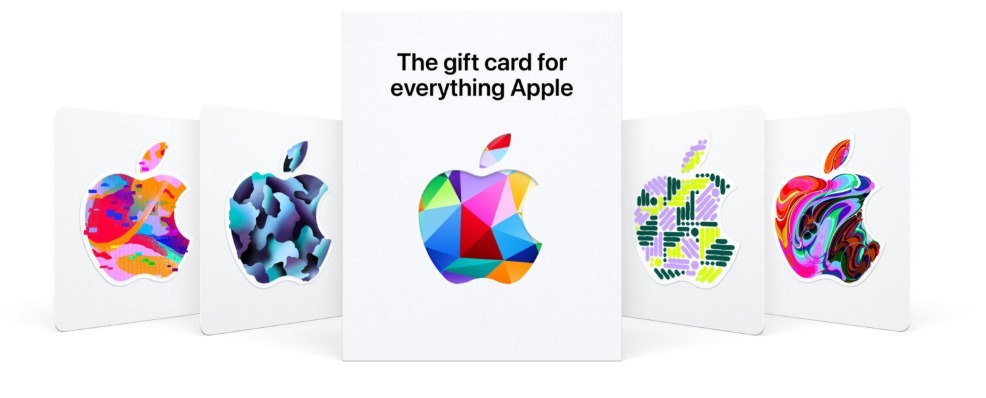
The difference between an Apple gift card and an iTunes card centers on how and where you can use one of the two cards. Knowing these distinctions will help you avoid misuse and make sure you know you are getting the most benefit when redeeming or trading.
What Makes Them Unique?
An Apple gift card is a great general-purpose card that can be used for all things Apple, for instance, purchasing something from an Apple Store, buying a song or movie, and subscribing to an Apple service. On the other hand, an iTunes card is a limited-purpose card that only applies to digital services from Apple, like Apple Music, movies, or buying an app.
Where Each Card Works Best
Knowing the difference between an Apple gift card and an iTunes card is very useful when deciding which platform to use. For example, although both can be redeemed on your Apple ID, only the universal Apple gift card can be used for hardware purchases. This distinction is important to know when looking to sell your card on trading platforms in Nigeria.
How to Sell an Apple iTunes Gift Card Instantly and Securely on Xbank
If you live in Nigeria and you want to buy an Apple iTunes gift card, you can trust Xbanka as one of the reputable platforms to buy it from. Xbanka provides instant delivery, secure payments, and authentic codes, making it easier for you to access all Apple services without worrying about online fraud.
Why Xbanka Is the Ideal Platform to Buy an Apple iTunes Gift Card
Xbanka makes things easy for anyone who wants to buy an Apple iTunes gift card using a quick, reliable, and easy-to-navigate system. Users can buy Apple iTunes gift cards from a verified seller, at good rates, receive their codes instantly, and do so all in just a few clicks. You will be hard-pressed to find a simpler option anywhere. Furthermore, Xbanka takes the headache out of payment by offering payments via local bank transfers, crypto, and even other options. This means you can buy an Apple iTunes gift card no matter how you want to pay.
Step-by-Step Guide to Buy an Apple iTunes Gift Card on Xbanka
In reality, to buy an Apple iTunes gift card on Xbanka is simple: just register for an account, go to the gift card section, select “Apple iTunes”, enter your desired amount, select your payment method, and proceed with the purchase. Once your transaction is successful, your code will appear in your dashboard or be sent to your email immediately. Because Xbanka has customer assistance built into the system and verifies card listings, you can have a trouble-free experience every time you buy an Apple iTunes gift card
Conclusion
No gift card is useful if you don’t know what’s on it. An Apple gift card can come in handy for all kinds of purchases: a music subscription, a new device purchase, or an app subscription. But before you use it, it’s important to check the balance and know what you’re working with. We’ve covered how to check your balance, where to get the card, and what to do if you no longer need it. If you decide to sell, the Xbanka makes the process quick, secure, and stress-free.
FAQ
1. How do I check my Apple Card balance without redeeming?
How To Check Your Apple Gift Card Balance Without Redeeming It. You can check your Apple gift card balance online by going to the website, selecting the “check balance option, and inputting your card details
2. Can iTunes gift cards expire?
Generally, iTunes gift cards do not expire or lose their value as mentioned in official Apple resources and community discussions. This means the balance will remain available indefinitely for purchases within the Apple ecosystem.
3. What can I do with my iTunes balance?
Use your Apple Account balance to buy products, accessories, games, apps, subscriptions like iCloud+ and Apple Music, and more. You can even use your Apple Account balance as a quick, convenient way to pay at the Apple Store or apple.com.
4. How to check iTunes gift card balance without Apple ID?
To check the available balance on a gift card, call 1-800-MY-APPLE or visit www.apple.com/go/gcb/us.
5. Can I refund my iTunes gift card?
Products can be returned only in the country or region in which they were originally purchased. The following products are not eligible for return: electronic software downloads, subscriptions to the Software-Up-To-Date program, Apple Store Gift Cards, and any Apple Developer Connection products.



