

How to Use Amex Gift Card on Amazon
Learning how to use Amex gift card on Amazon is a convenient way to shop for your favorite products without needing a credit card. By following the right steps, you can easily add, redeem, and pay for your orders using the balance on your Amex gift card. However, if you’re looking to convert or trade your Amex gift card for instant cash or crypto, you can do that seamlessly through Xbanka, a trusted platform that offers secure and fast transactions for all types of gift cards, including Amex. With Xbanka, you get value instantly and enjoy flexible payment options whenever you need to make online purchases.
How to Add Amex Gift Card to Amazon Account
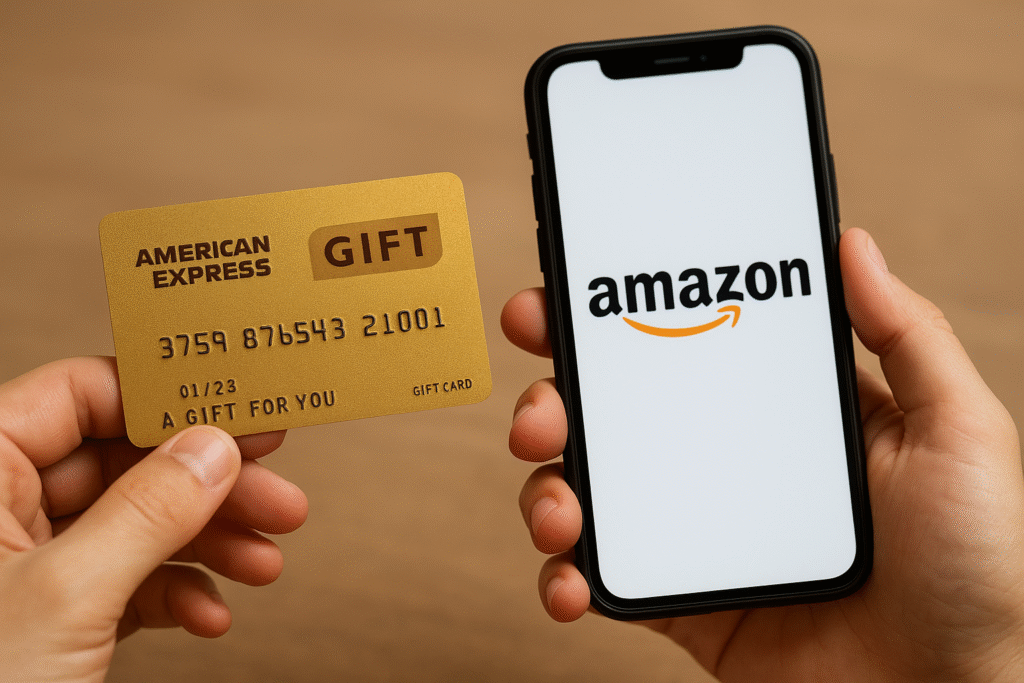
Learning how to add Amex gift card to Amazon helps you make smooth online purchases without needing a credit or debit card. The process involves entering your card details as a payment method in your Amazon account. If you’d rather convert your card balance into instant cash or crypto, Xbanka makes it quick and secure, you can trade your Amex gift card anytime with zero hassle.
Steps to Link Your Amex Gift Card to Amazon
To add Amex gift card to Amazon, you should follow these simple steps:
● Visit the Amazon website
● Select “Your Payments” under your account settings
● Select “Add a Credit or Debit Card.”
● Input your Amex gift card number and details
Tips to Ensure Smooth Amex Gift Card Linking
To successfully add Amex gift card to Amazon, ensure your card is active, your balance is sufficient, and your billing address is accurate. If you encounter challenges or would prefer converting your card instead, Xbanka provides an easy way to exchange your Amex gift card for cash or crypto instantly, no delays, no stress.
How to Use Amex Gift Card on Amazon Purchases
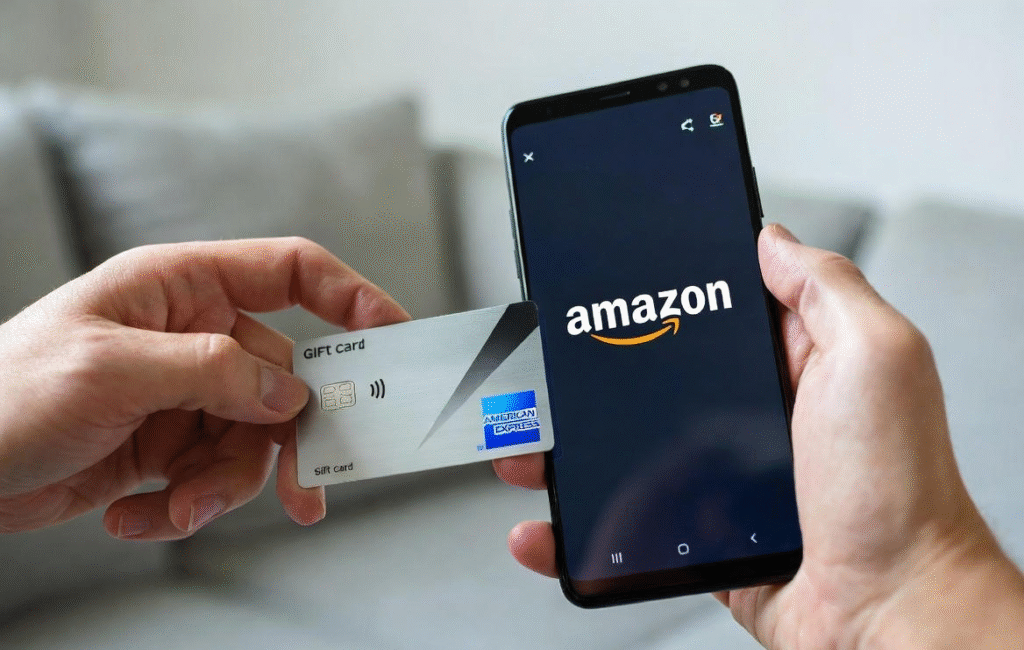
Knowing how to use Amex gift card on Amazon helps you shop easily and maximize the value of your gift card balance. You can enter your card details during checkout, use it for partial payments, or even combine it with other methods. However, if you’d prefer to convert your Amex gift card into instant cash or crypto, Xbanka offers a safe and efficient way to trade and get immediate value.
Step-by-Step Guide on How to Use Amex Gift Card on Amazon
You can learn how to use Amex gift card on Amazon in these steps:
● Log in to your Amazon account and go to “Your Account” or the profile icon.
● Navigate to “Your Payments” or “Payment”.
● Click “Add a payment method” and select “Add a debit or credit card”.
● Enter the Amex gift card number, expiration date, and CVV, just as you would a credit card.
Troubleshooting Amex Gift Card Declines on Amazon
If your attempt to use Amex gift card on Amazon fails, check for issues like incorrect details, expired cards, or insufficient balance. You can also verify your card’s status on the Amex site. But if your card consistently declines, don’t let it go to waste, trade it easily on Xbanka, where you get full value in minutes.
How to Pay with Amex Gift Card on Amazon Checkout
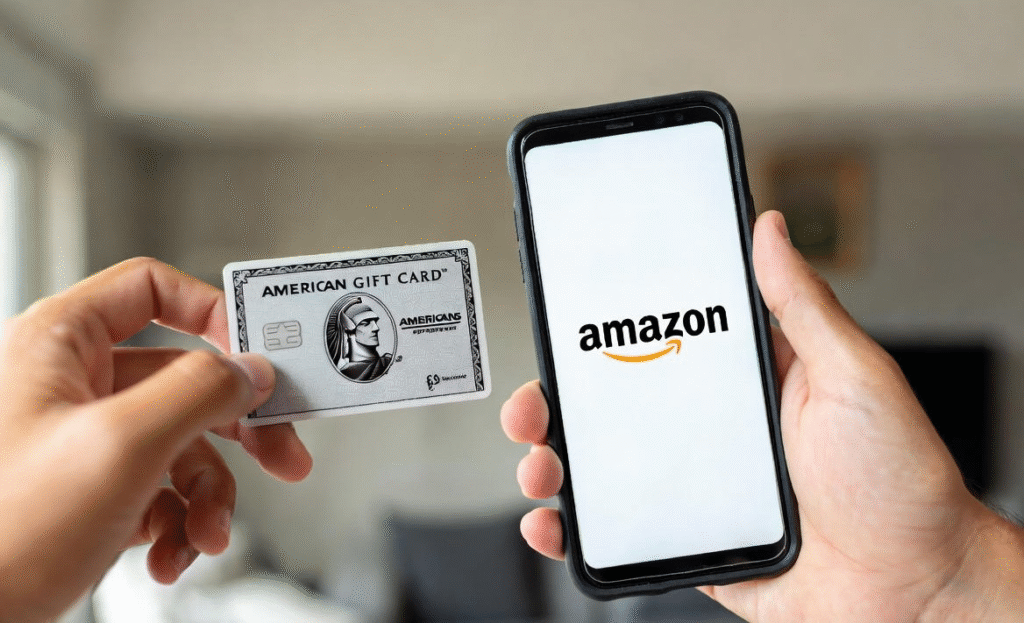
Knowing how to pay with Amex gift cards on Amazon allows you to use your card balance efficiently during checkout. This method is perfect for users who want to enjoy Amazon’s wide range of products without using their bank card. If you ever prefer to cash out or trade your Amex gift card for instant money or crypto, Xbanka provides a quick, secure, and transparent process.
Step-by-Step Process for Paying with Amex Gift Card
To pay with Amex gift card on Amazon, add your desired items to the cart, proceed to checkout, and select the Amex card from your payment options. Input your card details accurately to avoid errors. If you’d rather not use it for purchases, you can easily trade the card for instant cash on Xbanka.
Benefits of Paying with Amex Gift Card on Amazon
When you pay with Amex gift card on Amazon, you enjoy flexibility, privacy, and easy control of spending. It’s also an excellent way to gift others or make quick purchases online. And for those who prefer liquidity, Xbanka offers the best rates for trading Amex gift cards instantly and safely.
Security Tips When Using Amex Gift Cards Online
Before you pay with Amex gift card on Amazon, ensure you’re on the official Amazon website and never share your card details with unverified sources. Keep your card information private and track your balance regularly. For safe, verified transactions or conversions, rely on Xbanka which is known for its strong security and reliability.
Conclusion
Understanding how to use Amex gift card on Amazon makes online shopping smooth and flexible. Whether you’re learning how to add Amex gift card to Amazon, making purchases, or figuring out how to pay with Amex gift card in Amazon checkout, the process is simple once your card is properly linked. You can conveniently shop for your favorite products or services using your Amex balance just like a regular card.
However, if you’d rather convert your Amex card into instant cash or crypto instead of shopping, Xbanka is your best option. With Xbanka, you can safely add Amex gift card to Amazon, trade it for instant value, or explore other payment options, all in one trusted platform. Whether you want to use Amex gift card on Amazon or exchange it for cash, Xbanka ensures your transactions are secure, fast, and reliable.
FAQs
1. Can I use my Amex gift card directly on Amazon?
Yes, you can. Simply add it as a payment method and use it just like a debit or credit card during checkout.
2. Why is my Amex gift card not working on Amazon?
It may be due to an insufficient balance, incorrect details, or an inactive card. You can also trade the card for cash on Xbanka if it doesn’t work for purchases.
3. Can I trade my Amex gift card for cash or crypto?
Absolutely! Xbanka allows you to securely convert your Amex gift card to cash or crypto instantly, with great rates and fast payment.



