

How to Transfer Money From Chime to Cash App: Full Guide
Learning how to transfer money from Chime to Cash App is super important if you use both platforms for everyday transactions. Whether you’re sending cash to someone, funding your Cash App balance, or moving money for quick payments, the process is simple once you know the steps. This guide breaks everything down; the transfer methods, what to look out for, and the limits you should keep in mind so you can move your money smoothly and avoid delays.
Ways to Transfer Money From Chime to Cash App
Understanding the different ways to transfer funds from Chime to Cash App helps you pick the method that’s fastest, cheapest, and most convenient for you. Each option works differently depending on how your accounts are set up, but they all aim to help you move your money smoothly between both platforms.
Link your Chime account or card to Cash App
One of the most reliable ways to transfer money from Chime to Cash App is by linking your Chime bank account directly inside Cash App. Here’s the process:
● Open the Cash App and tap the Banking or Add Bank menu.
● Select “Chime” from the list of options and log in to link your account, or choose to add your Chime debit card and input the card details.
● Once linked, you can add money directly to your Cash App balance from your Chime account.
Transfer Using Chime Debit Card
Another quick and convenient option in the list of ways to transfer is using your Chime debit card on Cash App.
● Open ‘Cash App’ then click on the ‘Banking’ section
● Tap Add Debit Card and enter your Chime debit card details.
● Navigate Back to Banking and tap the Add Cash option.
● Type in how much you want to send from Chime to Cash App balance
Use Chime’s “Pay Anyone” feature
You can also explore ways to transfer through Chime’s Pay Anyone method.
● Open the Chime app and navigate to the “Pay Anyone” menu.
● Select a recipient. You can send the money to yourself by using your own email address.
● Enter the amount and confirm the transaction.
● You will receive an email or text with a link to claim the funds. Click the link and enter your Cash App debit card information to complete the transfer.
What to Consider Before Transferring From Chime to Cash App
Before sending money between Chime and Cash App, there are a few important things to consider so your transfer goes smoothly. Understanding fees, speed, verification, and potential app issues helps you avoid delays or failed transactions. Knowing what to consider upfront gives you a more seamless transfer experience.
Fees and Transfer Speed
One major thing to consider when moving money from Chime to Cash App is how fast the transfer will be and whether any fees apply. Using the Chime debit card for instant deposits is quick but may attract a small Cash App fee, while bank linking usually takes longer but is free. If you’re in a hurry or trying to avoid charges, this is definitely what to consider before choosing a method.
Account Verification Requirements
Another key point to consider is whether both your Chime and Cash App accounts are fully verified. Unverified profiles often face low transfer limits or blocked transactions. Cash App especially requires identity confirmation for higher transfer amounts. So if your transfer isn’t going through, checking your verification status should be high on your list of what to consider.
Common Issues and Troubleshooting
You should also look at potential hiccups that might stop the transfer. Things like outdated app versions, wrong bank details, insufficient Chime balance, or Cash App security flags can interrupt the process. Understanding these issues is part of what to consider, so you can fix them quickly and get your Chime-to-Cash App transfer back on track.
Chime to Cash App Transfer Limits
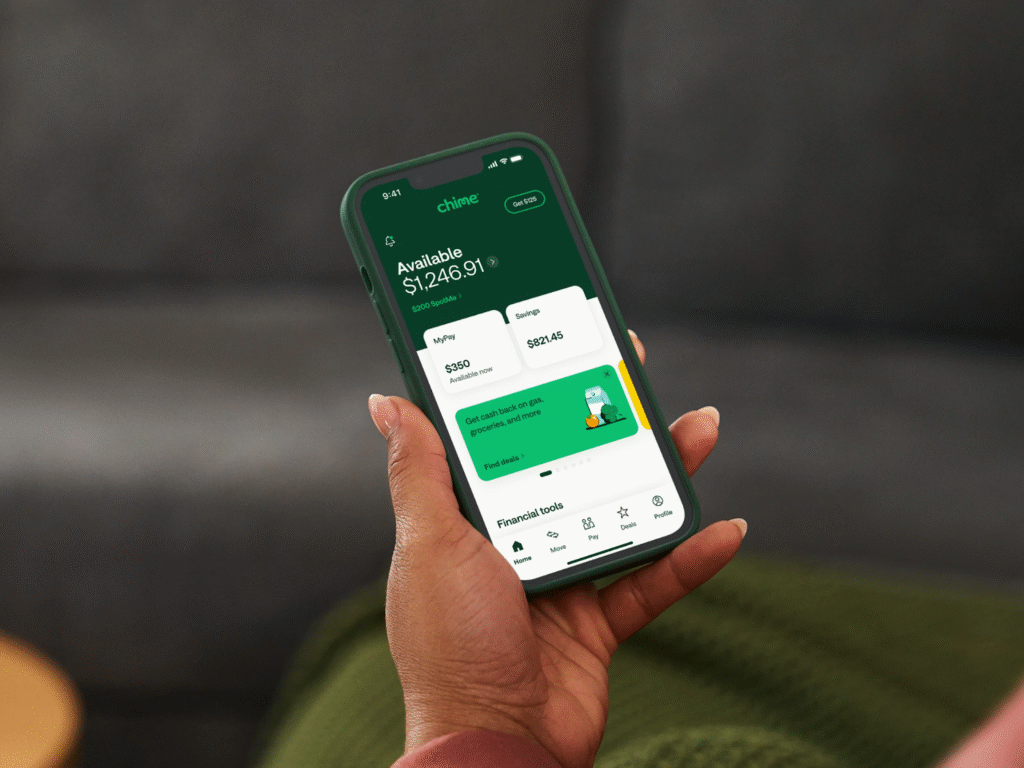
Knowing your limits is crucial before transferring money between Chime and Cash App. Each platform has its own rules for how much you can send or receive, and exceeding these limits can lead to blocked transfers or delays. Understanding these restrictions ensures your money moves safely and efficiently.
Cash App Transfer Limits Explained
Cash App has daily and weekly limits depending on whether your account is verified. Initially, unverified accounts can send up to $250 per week and receive up to $1,000 per month. Once verified with your personal information, these limits increase significantly. Keeping these numbers in mind helps you plan how much to transfer from Chime at a time.
Chime Transfer Restrictions
Chime also enforces transfer limits for both standard and instant transfers. For example, you may be restricted in how much money you can send per day via external accounts or debit card transfers. Being aware of Chime’s limits can prevent failed transactions when moving money to Cash App.
Conclusion
Transferring money between Chime and Cash App doesn’t have to be complicated. By understanding the different ways to transfer, knowing what to consider before sending funds, and staying within your limits, you can move money smoothly and securely. Whether you’re using your Chime debit card, linking accounts directly, or setting up external transfers, following these steps ensures a hassle-free experience.
Ready to start sending money from Chime to Cash App? With this guide, you now know exactly how to transfer money from Chime to Cash App safely and efficiently.
FAQs
Q1: How long does it take to transfer money from Chime to Cash App?
A: Transfer speed depends on the method. Instant transfers using your Chime debit card are usually immediate, while linked bank account transfers can take 1–3 business days.
Q2: Are there fees for transferring from Chime to Cash App?
A: Standard transfers are free, but instant deposits using your Chime debit card may incur a small Cash App fee. Always check before sending.
Q3: Can I transfer more than Cash App or Chime limits allow?
A: Not directly. To increase your transfer limits, verify your Cash App account, link external accounts, and maintain a good transaction history.



