


What is PDP Authentication Failure?
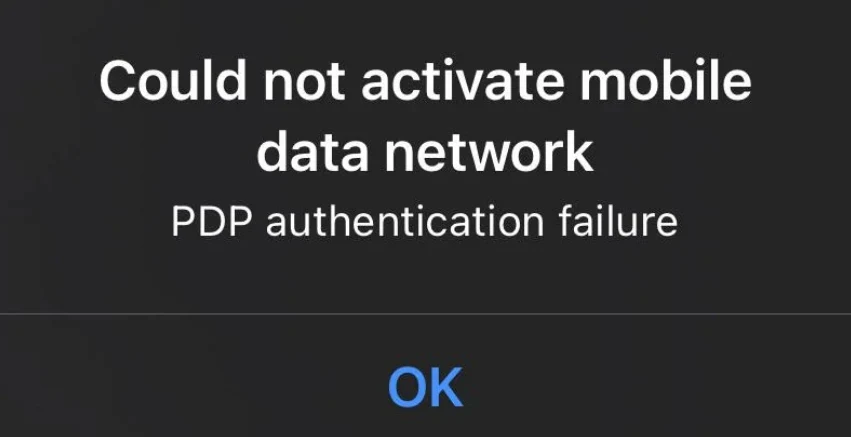
PDP authentication failure is an error that occurs when a mobile device fails to establish a data connection with the network. This issue typically arises when the network cannot verify the device’s credentials or settings, preventing access to mobile internet services. Understanding PDP authentication failure is important because it helps identify whether the problem is due to incorrect APN settings, SIM card issues, or network restrictions, and guides the steps needed to resolve it.
Causes of PDP Authentication Failure
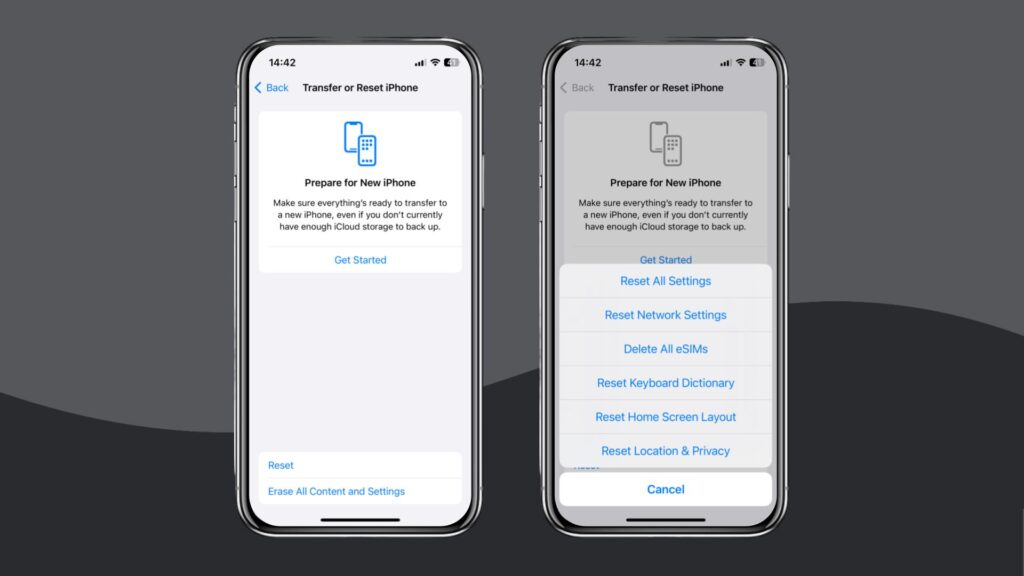
PDP authentication failure can happen due to several reasons. Understanding the causes of this error is key to troubleshooting and restoring your mobile data connection.
Incorrect APN Settings
One common cause of PDP authentication failure is incorrect Access Point Name (APN) settings on your device. If the APN is misconfigured, the network cannot authenticate your connection, resulting in a failure.
SIM Card Issues
Problems with your SIM card can also lead to PDP authentication failure. Damaged or improperly inserted SIM cards are frequent causes of connection errors, as the network cannot properly verify your subscription.
Network Coverage Problems
Poor or unstable network coverage is another cause of PDP authentication failure. Even with correct settings and a working SIM, weak signals can prevent successful authentication with the mobile network.
Account or Subscription Problems
Sometimes, PDP authentication failure occurs due to issues with your mobile account or data subscription. Expired data plans, unpaid bills, or blocked accounts are significant causes that can stop your device from connecting to the network.
How to Fix PDP Authentication Failure
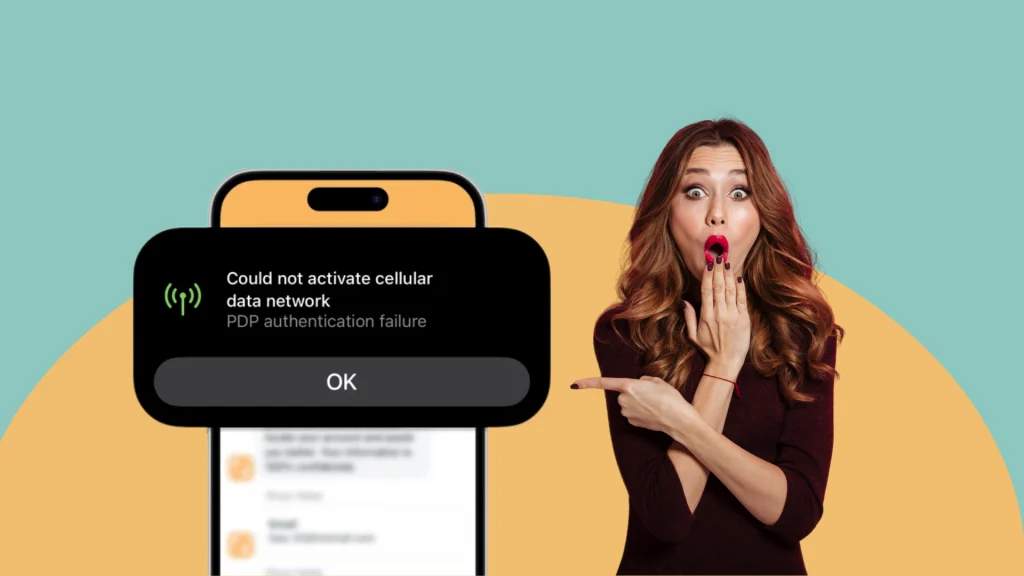
Experiencing PDP authentication failure can be frustrating, but knowing how to fix it helps restore your mobile data connection quickly. There are several practical steps you can take depending on the underlying issue.
Verify and Update APN Settings
One of the first steps in how to fix PDP authentication failure is to check and update your device’s APN settings. Ensuring the APN matches your network provider’s recommended settings often resolves the connection error.
Reinsert or Replace Your SIM Card
If your SIM card is faulty or not seated properly, it can trigger PDP authentication failure. A simple fix in how to fix it is to reinsert the SIM or replace it with a working one to allow proper network authentication.
Restart Your Device or Toggle Airplane Mode
Sometimes, a temporary glitch in the device or network can cause PDP authentication failure. Restarting your device or toggling airplane mode on and off is an easy method in how to fix it that can refresh network connections.
Contact Your Network Provider
If none of the basic fixes work, reaching out to your mobile service provider is necessary. Knowing how to fix PDP authentication failure in this case involves letting the provider check for account issues, network restrictions, or other technical problems that might be preventing authentication.
Conclusion
Understanding PDP authentication failure is essential for anyone experiencing mobile data connection issues. By identifying the causes such as incorrect APN settings, SIM card issues, poor network coverage, or account problems, you can take appropriate steps. Knowing how to fix it through APN verification, SIM checks, device restarts, or contacting your network provider ensures that you can quickly restore your mobile internet access. Addressing these issues promptly prevents prolonged disruptions and improves your mobile experience.
FAQs
Q1: What does PDP authentication failure mean?
A: PDP authentication failure occurs when your device fails to connect to the mobile network due to authentication issues, preventing internet access.
Q2: What are the common causes of PDP authentication failure?
A: Common causes include incorrect APN settings, SIM card problems, poor network coverage, or issues with your account or data subscription.
Q3: How can I fix PDP authentication failure?
A: There are several ways on how to fix it, including verifying and updating APN settings, reinserting or replacing the SIM card, restarting your device, or contacting your network provider for assistance.
Q4: Can network coverage affect PDP authentication?
A: Yes. Poor or unstable network signals are a common cause of PDP authentication failure.



