


What Is the DSTV App and How Does It Work?
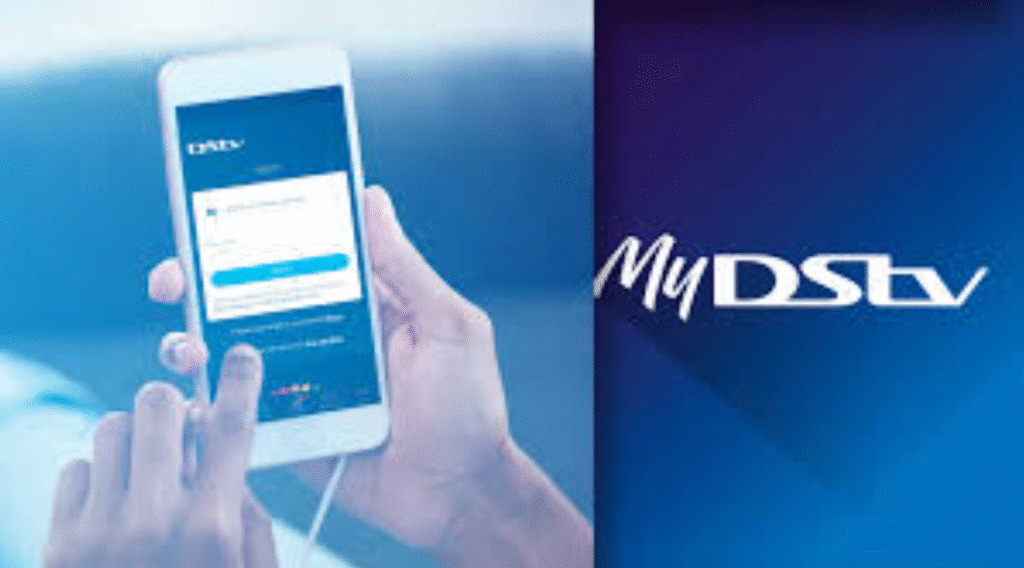
The DSTV app is a powerful streaming platform developed by MultiChoice that allows subscribers to watch live television, movies, sports, and series on internet-enabled devices. Instead of being limited to a traditional decoder setup, users can stream content wherever they are, as long as they have an active subscription and a stable internet connection.
Overview of the DSTV App Platform
At its core, the DSTV app mirrors the traditional DStv experience but enhances it with digital convenience. Once you sign in using your DStv account details, the app syncs your subscription and instantly unlocks eligible channels and on-demand content. The interface is clean, user-friendly, and designed for easy navigation, even for first-time users.
Devices Supported by the DSTV App
The DSTV app works on a wide range of devices, including Android phones, iPhones, tablets, laptops, and smart TVs. This flexibility ensures that users can switch seamlessly between devices without missing their favorite shows or live sports events.
Key Features That Make the DSTV App Stand Out
The DSTV app is packed with features that elevate it beyond basic streaming services.
Live TV Streaming Anytime, Anywhere
One of the strongest features is live TV streaming. Users can watch news, sports, and entertainment channels in real time, making it ideal for people who are often on the move. Whether you’re commuting or relaxing at home, live TV is always within reach.
On-Demand Movies and Series
Missed an episode? No worries. The DSTV app offers a vast library of on-demand content, including popular series, blockbuster movies, and kids’ programming. This feature ensures viewers can watch what they want, when they want.
Offline Viewing with Downloads
The download option enables users to save selected content for later viewing without using data. This is especially useful for travelers or users with limited internet access.
Multi-Device Streaming and User Profiles
The DSTV app supports multiple devices under one account, depending on your subscription package. Individual profiles also help personalize recommendations and viewing history for different family members.
How to Download and Install the DSTV App
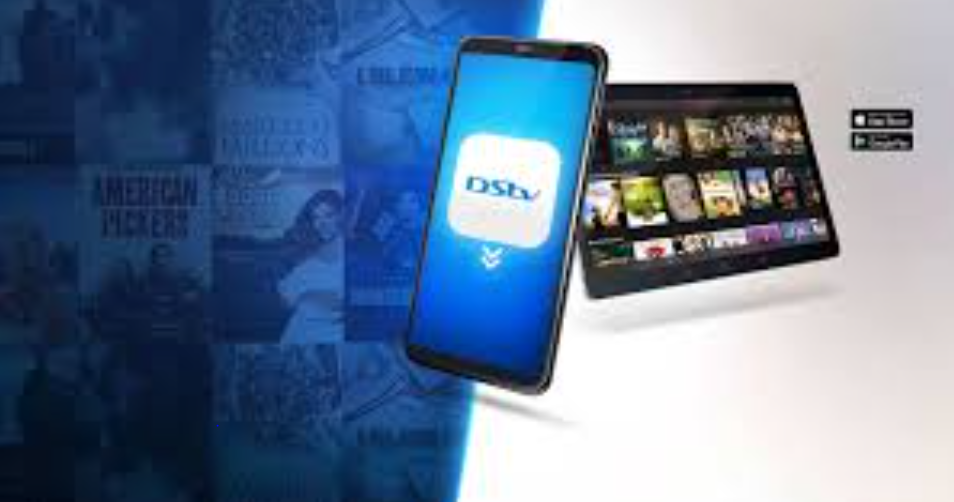
Getting started with the DSTV app is quick and simple.
Installation on Android and iOS Devices
Users can download the app directly from the Google Play Store or Apple App Store. After installation, logging in with your DStv account credentials instantly grants access to your subscribed content.
Using the DSTV App on Smart TVs and PCs
The DSTV app is also available on selected smart TVs and through web browsers on PCs. This makes it easy to enjoy content on a bigger screen without needing a decoder connection. For official guidance, users can visit the DStv support page on the website.
DSTV App Subscription Plans and Access
Supported Packages and Channel Availability
The channels and content available on the DSTV app depend on your DStv subscription package. Premium users enjoy the widest range, while Compact and Family packages also provide solid entertainment options.
Data Usage and Internet Requirements
Streaming quality adjusts automatically based on your internet speed. For smooth playback, a stable broadband or mobile data connection is recommended, especially for HD content.
Benefits of Using the DSTV App for Entertainment
Convenience and Flexibility
The DSTV app removes location restrictions. You can watch your favorite shows at home, at work, or while traveling, making entertainment more flexible than ever.
Cost-Effective Viewing Experience
By combining live TV and on-demand content in one app, users get more value from their existing DStv subscription without additional hardware costs.
Common Problems and How to Fix Them
Login and Streaming Errors
Most login issues can be resolved by resetting your password or updating the app to the latest version.
Buffering and Playback Issues
Buffering is usually related to internet speed. Switching to a stronger network or lowering streaming quality often fixes the issue.
Final Thoughts on the DSTV App Experience
The app is a reliable and feature-rich solution for modern entertainment needs. With live TV, on-demand content, offline viewing, and multi-device support, it offers flexibility that traditional TV setups can’t match. For DStv subscribers looking to maximize their viewing experience, the app is a smart and future-ready choice.
Frequently Asked Questions (FAQs)
1. Is the DSTV app free to use?
The app is free to download, but streaming requires an active DStv subscription.
2. Can I use the DSTV app without a decoder?
Yes, as long as your subscription is active and linked to your account.
3. How many devices can use the DSTV app at once?
This depends on your subscription package and DStv’s streaming limits.
4. Does the DSTV app support offline viewing?
Yes, selected content can be downloaded for offline viewing.
5. Is the DSTV app available outside Africa?
Availability may vary due to regional licensing restrictions.
6. What internet speed is recommended for the DSTV app?
A minimum of 5 Mbps is recommended for smooth HD streaming.



