


What Is DSTV Self-Service and Why Does It Matter

DStv self-service is a digital platform that allows DStv subscribers to manage their accounts independently without visiting an office or waiting in long customer care queues. It gives users control over their subscriptions, payments, and technical fixes in just a few clicks.
In today’s fast-moving world, customers expect quick solutions. Waiting on hold to speak to an agent can be frustrating. That’s where DSTV self-service steps in. It empowers users to solve the most common problems instantly, whether it’s reconnecting after payment, fixing an error code, or upgrading a package.
Understanding the Concept of Self-Service Platforms
Self-service platforms are designed to put power directly into the hands of customers. Instead of relying on support staff, users can perform tasks themselves through apps, websites, or mobile codes. This approach saves time for both the company and the customer.
How DSTV Self Service Simplifies Account Management
With DSTV self-service, managing your entertainment becomes simple and efficient. From checking your balance to changing packages, everything is accessible in one place. The system is user-friendly, even for people who are not tech-savvy.
Key Features of DSTV Self-Service
Managing Your Subscription and Packages
One of the strongest features of DSTV self-service is subscription control. You can:
- Upgrade or downgrade your DStv package
- Add premium channels
- View your current subscription status.
- Check renewal dates
This flexibility ensures you only pay for what you truly want to watch.
Fixing Common Errors Without Calling Support
Many DStv issues are minor and can be fixed instantly using self-service tools.
Signal Errors and Decoder Refresh
If your decoder shows a signal error or missing channels, DSTV Self-Service allows you to send a refresh signal to your decoder. This often resolves the issue within minutes.
Payment and Reconnection Issues
After making a payment, delays in reconnection can happen. With DSTV self-service, you can clear payment errors and reconnect your services instantly—no waiting required.
How to Access DSTV Self Service
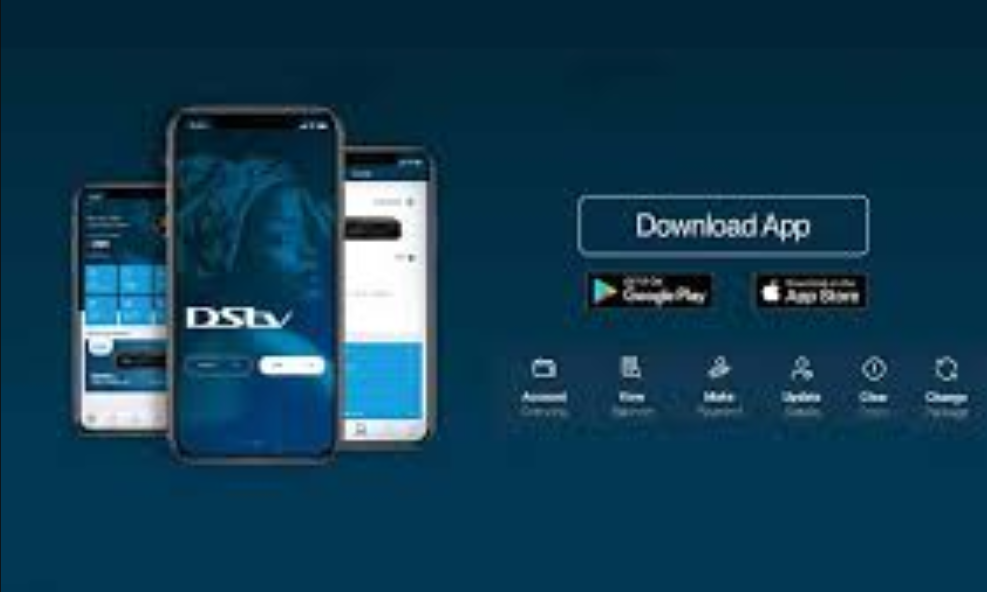
Using the MyDStv App
The MyDStv App is the most popular way to access DSTV self-service. It is available on both Android and iOS devices and offers a clean, easy-to-use interface.
Accessing DSTV Self Service via Website
You can also use DSTV self-service through the official DSTV website. Simply log in to your account to manage subscriptions, payments, and technical issues.
Using USSD Codes for Quick Help
For users without internet access, DStv provides USSD codes. These codes allow you to check balances, fix errors, and manage your account using any mobile phone.
Step-by-Step Guide to Using DSTV Self Service

Creating or Logging Into Your Account
To begin, you need an active DStv account. Register using your smartcard number and personal details. Once registered, logging in is quick and secure.
Navigating the Dashboard Effectively
The dashboard shows all essential account details at a glance. You can view your subscription, payment history, and available actions. The layout is designed to be simple, reducing confusion and mistakes.
Benefits of Using DSTV Self Service
Saving Time and Reducing Stress
With DSTV self-service, there’s no need to travel to service centers or wait on hold. Tasks that once took hours now take minutes.
24/7 Availability and Convenience
Unlike customer service offices, DSTV self-service is available 24/7. Whether it’s late at night or early morning, help is always accessible.
Security and Privacy on DSTV Self Service
Protecting Your Personal and Payment Information
DStv uses secure systems to protect user data. Password protection and encrypted transactions help keep your personal and payment information safe while using DSTV Self Service.
Common Problems Solved by DSTV Self-Service
Account Suspensions and Re-activation
If your account is suspended due to late payment, DSTV Self Service allows you to reactivate your subscription quickly once payment confirmation is received.
Upgrading, Downgrading, or Adding Packages
Changing your viewing experience is easy. You can upgrade for special events, downgrade to save money, or add channels without needing to speak with an agent.
Final Thoughts on DSTV Self-Service
Self-service is a powerful tool that puts full control of your entertainment in your hands. It saves time, reduces frustration, and offers round-the-clock convenience. Whether you’re fixing an error, changing a package, or reconnecting after payment, this platform makes everything smooth and stress-free.
If you’re a DStv subscriber and not using Self Service, you’re missing out on one of the smartest ways to manage your account.
FAQs About DSTV Self Service
1. What is self-service used for?
DSTV self-service is used to manage subscriptions, payments, error fixes, and account settings without contacting customer support.
2. Is DSTV self-service free to use?
Yes, DStv self-service is completely free for all DStv subscribers.
3. Can I reconnect my DStv after payment using DStv self-service?
Yes, you can instantly reconnect your service after payment through DSTV self-service.
4. Does self-service work without internet?
Yes, USSD codes allow limited access to DSTV self-service without internet.
5. Is self-service safe for payments?
Yes, DStv uses secure systems to protect payment and personal information.
6. Can I upgrade my package using self-service?
Absolutely. Package upgrades and downgrades can be done anytime using DSTV self-service.



