

Easy Methods on How to Buy Data on MTN
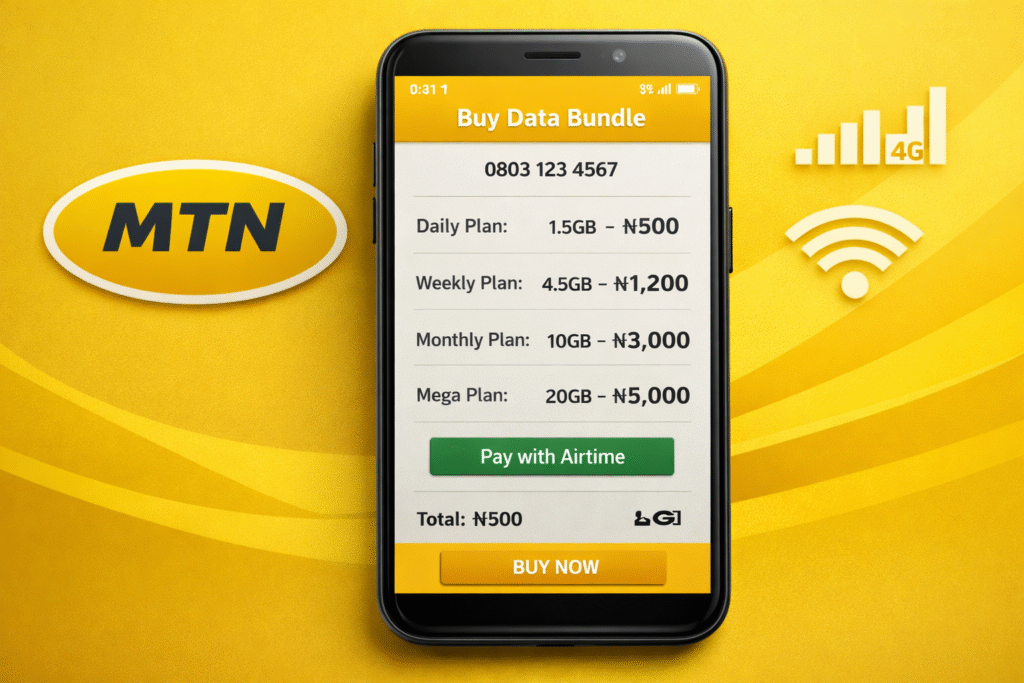
Learning how to buy data on MTN is important for anyone who relies on mobile internet for browsing, social media, streaming, online work, or business communication. MTN provides multiple flexible options that suit different users, whether you’re using a smartphone, a feature phone, or even struggling with poor network access.
In this guide, you’ll get a detailed breakdown of the most reliable ways to buy MTN data, including USSD codes, the MyMTN App, and airtime balance, with clear explanations to help you choose the best method for your situation.
How to Buy Data on MTN Using USSD
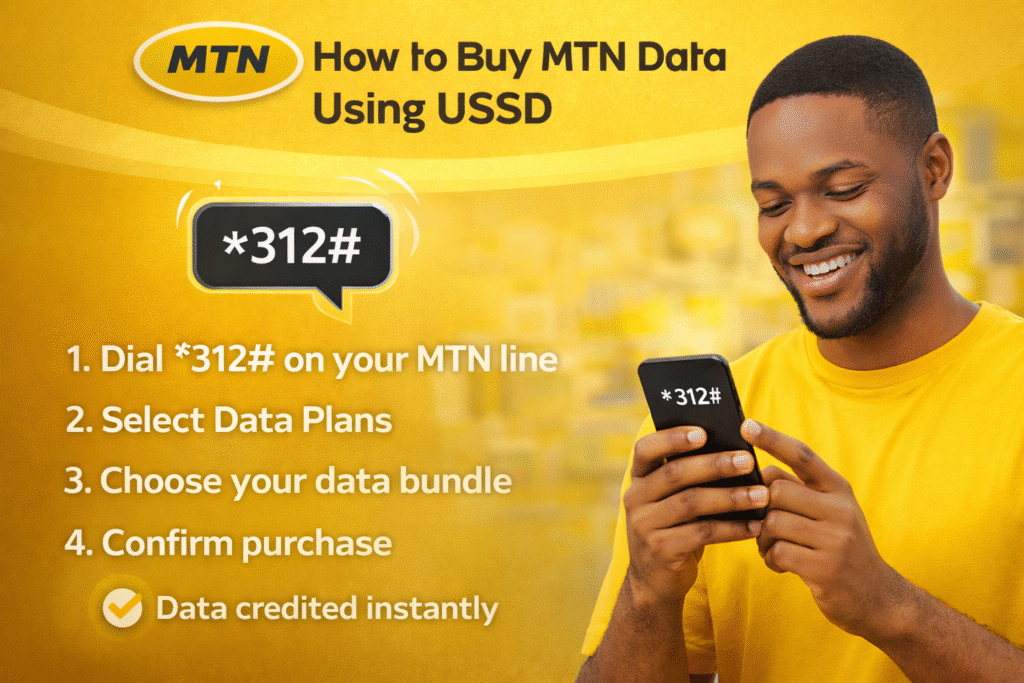
Buying data on MTN using USSD is one of the most reliable and widely used options among MTN subscribers in Nigeria. This method allows you to purchase data directly from MTN’s network by dialing a short code on your phone. It does not require mobile internet, apps, or a smartphone, which makes it accessible to everyone.
What USSD Means for MTN Data Purchase
USSD (Unstructured Supplementary Service Data) allows you to interact directly with MTN’s network through short codes. This means you can buy data even when your internet is completely turned off or unavailable.
Steps to Buy Data on MTN Using USSD
To buy data on MTN using USSD, follow these steps carefully:
- Dial *312# on your MTN line
- A menu will appear with several options
- Select Data Plans from the list
- Choose the category you want, such as Daily, Weekly, Monthly, or Special bundles
- Select your preferred data size
- Confirm the purchase
Advantages of Buying MTN Data via USSD
There are several advantages why many users prefer buying MTN data through USSD:
- No internet required: You don’t need an active data connection
- Works on all phones: Compatible with smartphones and feature phones
- Fast activation: Data is credited instantly after confirmation
- Easy navigation: Simple menu options make it user-friendly
How to Buy Data on MTN App

Buying data through the MyMTN App is one of the most convenient and flexible ways to purchase MTN data, especially for smartphone users. Unlike USSD, the MTN app provides a visual interface that allows you to see available data plans, prices, bonuses, and validity periods before making a purchase.
Overview of the MyMTN App
The MyMTN App is MTN’s official self-service mobile application designed to help subscribers manage their accounts easily. With the app, users can buy data, check airtime balance, monitor data usage, manage subscriptions, and access customer support, all in one place.
Steps to Buy Data on MyMTN App
Here’s how to buy data on MTN app step by step:
- Download the MyMTN App from your app store
- Open the app and log in using your MTN number
- Verify your number with the OTP sent to you
- Tap on Buy Data
- Choose a data plan that suits your needs
- Complete payment using airtime or other available options
Your data will be activated immediately after payment.
Benefits of Buying Data on the MyMTN App
Using the MTN app to buy data comes with several added benefits compared to other methods:
- Exclusive data deals: Some data plans are only available on the app
- Bonus data offers: MTN often rewards app users with extra data
- Usage tracking: Monitor how much data you’ve used and what’s left
- Easy plan management: Renew or cancel subscriptions effortlessly
How to buy MTN Data Through SMS
When buying MTN data through SMS, you send a specific keyword or code to an MTN short number. MTN processes the request, deducts the required airtime, and credits your line with the selected data bundle.
MTN Data Plans Through SMS
This method works best when you already know the specific data code and plan you want. Here are examples of data plan of some specific data codes:
- Daily 75MB: text 114 to 312
- Daily 230MB: text 113 to 312
- Daily 500MB: text 175 to 312
Conclusion
Understanding how to buy data on MTN gives you full control over your internet access. Whether you prefer how to buy data on MTN using USSD for speed, how to buy data on MTN app for flexibility, or how to buy data on MTN with airtime for convenience, MTN provides reliable options for every user. Choosing the right method depends on your device, internet availability, and personal preference.
FAQs
Q1: What is the official MTN data USSD code?
The official USSD code for MTN data purchase is *312#.
Q2: Can I buy MTN data without airtime?
No. You need airtime or another payment option available on the MTN app.
Q3: Does MTN data activate immediately after purchase?
Yes, MTN data is activated instantly after successful payment.



