


How to Check MTN Number: A Simple Guide
Knowing your MTN number is essential for managing airtime, subscribing to data plans, and performing mobile transactions. Many users forget their MTN line after changing phones or SIMs, and this guide will teach you how to check MTN number quickly using multiple reliable methods. Whether you prefer USSD codes, checking through your phone settings, using the MyMTN App, or sending an SMS, you can retrieve your number within seconds.
How to Check MTN Number Using USSD Code
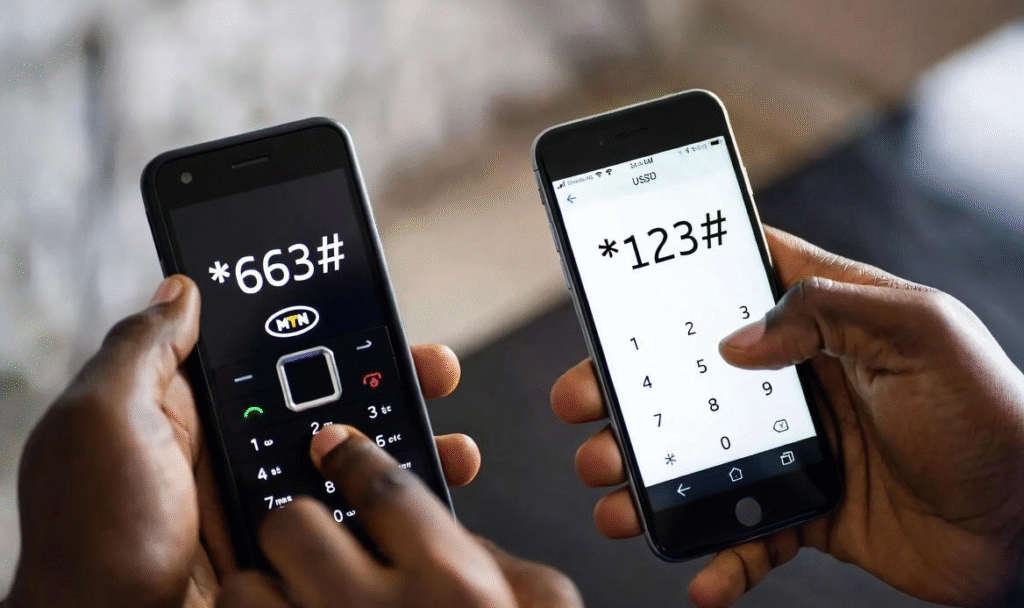
USSD codes are the fastest method for checking your MTN number. They do not require internet access, airtime, or apps. Most MTN users in Nigeria find this method convenient when they want to verify their number instantly. The main codes are *663# and *123#, which displays your line immediately. This method works on all phones.
The First Process
Dial 123# and Follow the Prompt
- Dial *123# and press Call.
- Select Option 1 ‘Account Info’ from the menu.
- Choose My Number.
- Your MTN number will display on the screen.
The Second Process
Dial 663# to Check MTN Number
- Open your phone’s dialer.
- Dial *663#.
- Your MTN number will appear on the screen instantly.
How to Check MTN Number Using the MyMTN App
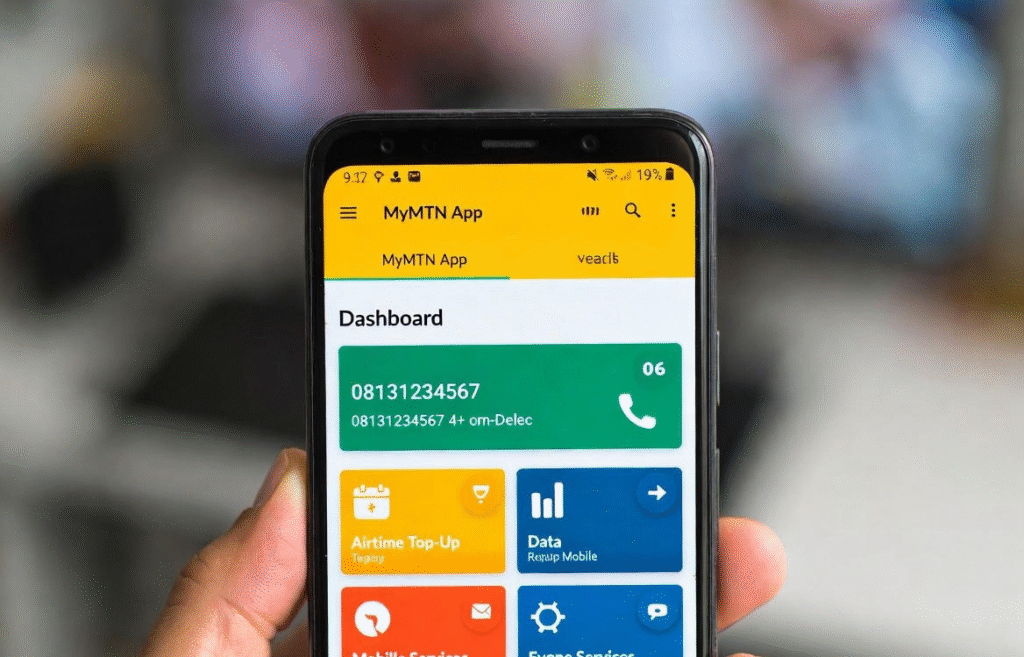
The MyMTN App not only shows your number but also allows you to manage your account, recharge airtime, and buy data. After downloading the app and logging in, your MTN number is displayed on the dashboard or profile section. This method is perfect for users who want to track all MTN services in one place.
View MTN Number on the MyMTN App
Here’s how to view or check your mtn number using the MyMTN App:
- Download and install the MyMTN App from Google Play or App Store.
- Open the app and log in with your MTN line.
- Your MTN number will appear on the dashboard or profile section.
How to Check MTN Number by Calling or SMS
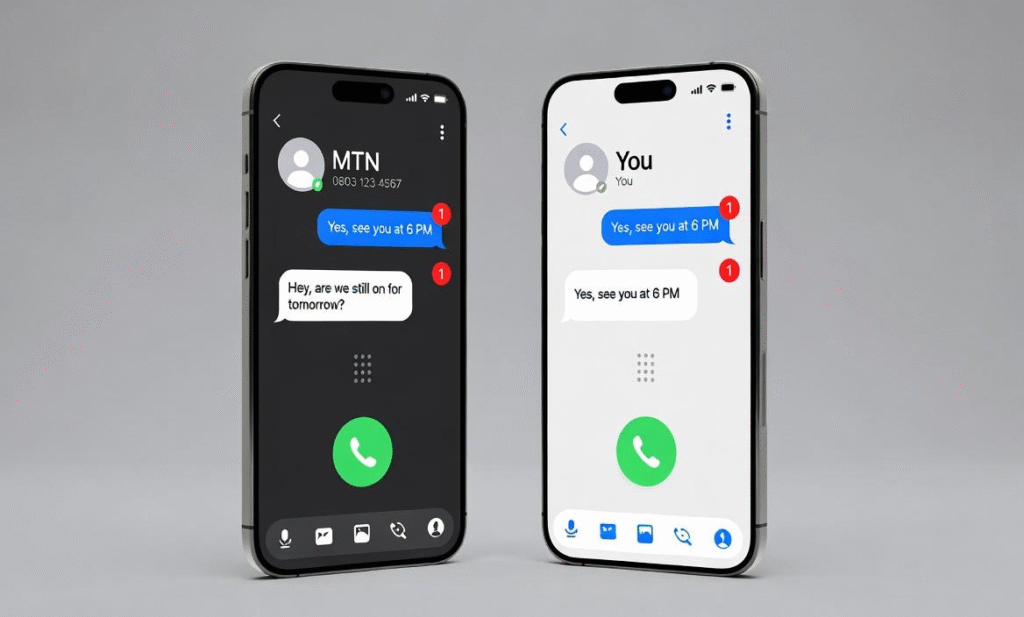
If other methods are unavailable, you can check your MTN number by calling another phone or sending an SMS. When you call, your number appears on the recipient’s screen, and when you send a text, it appears as the sender ID. This method is useful if you have airtime or another phone nearby.
Why It’s Important to Know Your MTN Number
Knowing your MTN number helps you manage your line easily, avoid recharge mistakes, complete verifications, and get quick support when needed. It’s a basic detail that saves time and prevents unnecessary stress.
Easy Airtime and Data Recharge
Your MTN number is required to recharge airtime or buy data correctly without sending it to the wrong line.
Banking and App Verification
Most banking and mobile apps use your MTN number for OTPs, alerts, and account verification.
SIM Registration and Customer Support
MTN customer care may request your number to resolve SIM issues, complaints, or line-related services.
Conclusion
Knowing how to check MTN number is essential for every MTN user in Nigeria. Whether you use a USSD code, your phone settings, the MyMTN App, or a quick call or SMS, these methods help you retrieve your number in seconds. By keeping your MTN number handy, you can recharge easily, complete verifications, and access customer support without stress.
FAQs
Q1: What is the fastest way to check MTN number?
Dial *663# on your MTN line. Your number will appear instantly.
Q2: Can I check my MTN number without airtime?
Yes. USSD codes and phone settings do not require airtime or internet.
Q3: Does the MyMTN App show my MTN number?
Yes. Once you log in, your MTN number is displayed on the dashboard or profile.
Q4: Is the USSD code the same for all MTN users in Nigeria?
Yes. Codes like *663# and *123# work nationwide.