


What Is Venmo?
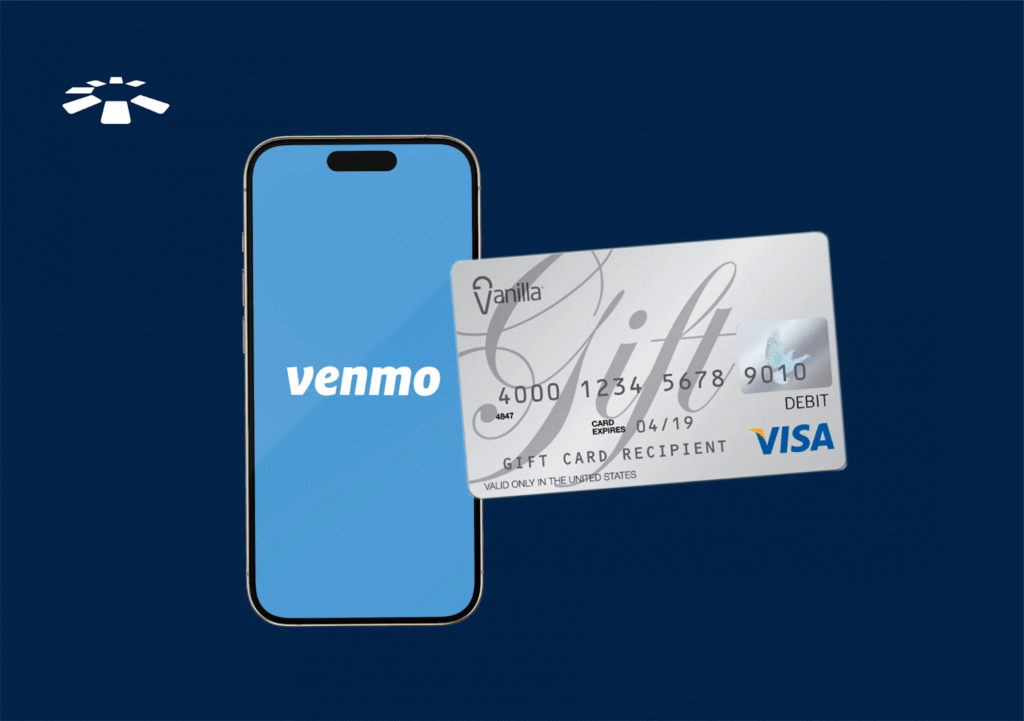
Venmo is a PayPal-owned P2P mobile payment service launched in 2009. Unlike PayPal, it has a social network feature that allows in-app messaging. Users can chat while sending or receiving money. Venmo also has a simpler interface than PayPal. Venmo can be used to make payments in authorized apps and websites. It can also use QR codes for authorised partners. Users can set their payment method to a credit/debit card, Venmo balance, or a US bank account. Venmo lets you add several gift cards, such as Vanilla, Visa, and Amazon gift cards, to your account.
What Is A Vanilla Gift Card?
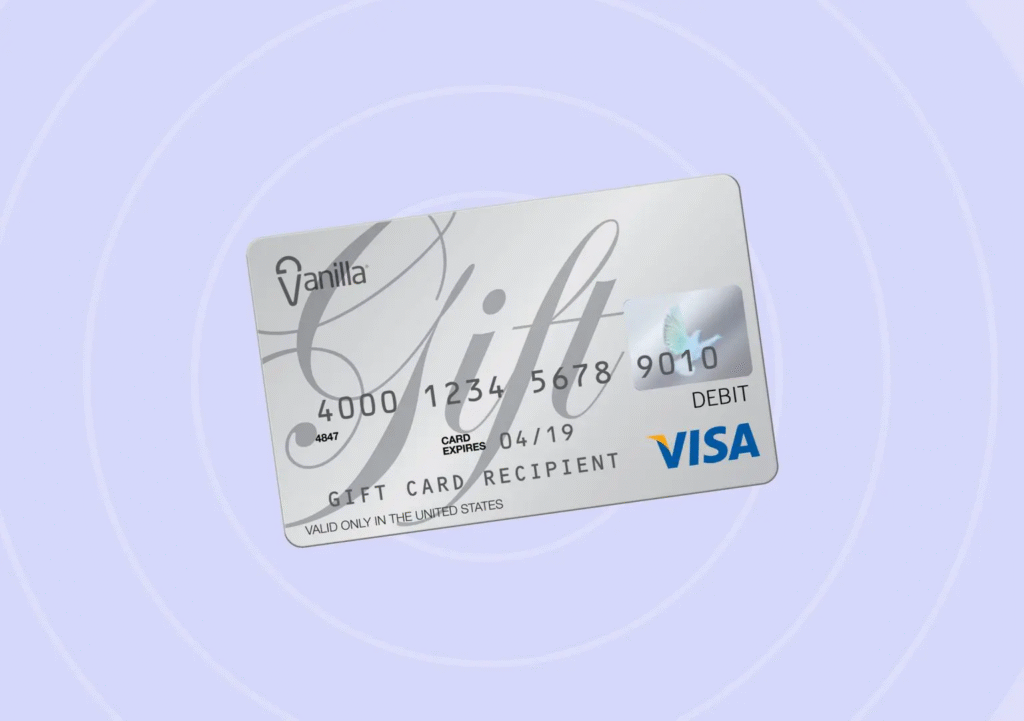
Before we jump into the how-to guide of adding a Vanilla card to Venmo, let’s see what exactly a Vanilla Gift Card is. A Vanilla Gift Card is a prepaid card issued by Vanilla that can be used for various purchases, both online and in physical stores. It’s essentially a more flexible alternative to traditional store-specific gift cards.
How To Add a Vanilla Gift Card to Venmo (Step-by-Step)
Adding your Vanilla gift card to Venmo is straightforward and only takes a few minutes. Before you begin, confirm your gift card is activated and registered with a zip code, ensuring it supports online transactions. These are crucial precautions against declines. Once your Venmo account is all set up, follow these steps:
- Open the Venmo app on your phone and log in.
- Tap the menu icon (three horizontal lines) in the top-right corner.
- Select Settings, then tap Preferences.
- Go to Payment Methods.
- Tap Add a Bank or Card, then choose “Card.”
- Input your card number, expiration date, and ZIP code you used when registering the gift card.
- Enter the amount charged to your Vanilla card in Venmo to complete the gift card verification. (Venmo will temporarily charge a small amount on your Vanilla card, usually less than $1. Check your Vanilla card transactions to find the exact amount charged.)
- You can include an image of the gift card by clicking the camera button.
- If you haven’t registered your Vanilla gift card to any home address, enter its zip code into the space provided. If it does not come with a zip code, you must register your Vanilla gift card first.
- Finally, click on “Add Card.”
Advantages Of Adding a Vanilla Gift Card To Venmo
While direct integration of Vanilla Gift Cards with Venmo might not be widely available in West Africa, understanding the benefits can help you make the most of similar local services:
- Convenience: Easy to use for online transactions without a traditional bank account.
- Security: Adds an extra layer of security compared to using a regular debit or credit card.
- Budget Control: Helps manage spending by limiting available funds to the card balance.
- International Purchases: Useful for buying from global online retailers.
- Gift Utilization: Efficiently use gift card balances for various transactions.
- No Bank Account Needed: Ideal for those without traditional banking access.
- Peer-to-Peer Transfers: Enables easy money transfers to friends and family, where supported.
Why Add A Vanilla Gift Card To Venmo
Adding a Vanilla gift card to Venmo offers security, budget control, flexibility, and easy management. Let me explain:
1. Security:
Shut out all intrusive thoughts; no one will ever get access to your details or funds. Gift cards only hold limited funds, so they are a safer way to spend. They also give you peace of mind as they are not linked to your bank account.
2. Budget Control:
It is easier to manage your budget, especially when shopping online with a Vanilla gift card, or any gift card, for that matter, compared to using a credit card. Vanilla gift cards come in $25 to $500 denominations and are generally not reloadable.
3. Flexibility And Easy Management:
You don’t need to worry about carrying your credit card around all the time. Once you have a Vanilla gift card, you can add it to your Venmo app and use it to make purchases and payments internationally without needing a bank account.
Benefits of adding Vanilla gift cards to Venmo

- Convenient spending: By adding your Vanilla gift card to Venmo, you can seamlessly use it for transactions without carrying physical cash for every outside visit you make.
- Budget Management: Vanilla gift cards help you control your spending by setting a predefined limit. This integrates well with Venmo’s budgeting features. So you won’t have to worry about running out of funds, especially if a dire need arises.
- Streamlines Gift Card Use: Instead of managing multiple gift cards, you can transfer their balances to Venmo for streamlined use. So instead of wasting time calculating each card’s balance after use, you simply get a breakdown from Venmo in minutes.
- Expands spending options: Venmo expands where you can spend your Vanilla gift card funds, including online merchants that may not directly accept gift cards.
- Split Payments: Venmo makes it easier to split expenses like dinner bills or group gifts with family and friends, even when paying with a gift card balance.
- Enhances Safety and Security: Adding your gift card to Venmo keeps your card information secure, as Venmo uses encryption and fraud protection measures.
- Reward Potential: Some Vanilla gift cards may offer rewards or cashback when used on Venmo, adding extra value to your purchases
Gift Card Lists are accepted on Venmo.
Venmo is an online payment platform that makes it easier for people to transfer funds online. You can easily transfer money from a checking bank account or a debit card into your Venmo account. However, adding money from gift cards may be trickier. There is a lot of confusion about how to add a Visa gift card to Venmo because Venmo does not accept all types of gift cards. A Visa gift card is a prepaid gift card that may or may not be connected to a bank account. Therefore, Venmo not only allows debit cards to be linked, but you can also add Visa gift cards to Venmo.
Should You Add Your Vanilla Gift Card To Venmo?
If you own a Venmo account, you might be wondering – why should you use a Vanilla gift card to fund it? Well, there are actually several reasons:
- Security: Since gift cards only hold limited funds, they offer a safer way for you to spend money.
- Budget Control: At the same time, gift cards offer a simpler way for you to stick to a budget. The fact that they can’t be reloadable means that they help you stick to a strict spending limit.
- Payment Flexibility: Vanilla gift cards also ensure that you won’t need to carry a credit card everywhere you go. Just add the card details to your Venmo, and you can easily make purchases.
How To Transfer Vanilla Gift Card Funds to Your Venmo Balance
If you want to transfer the balance in your Vanilla gift card to your Venmo wallet, here’s how to do it:
- Open the Venmo app.
- Go to the menu and tap Manage Balance.
- Select “Add Money” from the list of options.
- Enter the amount you want to transfer (up to the value on your gift card).
- Make sure you select the Vanilla card as the payment method.
- Review the details and tap “Add Money” to finish.
How to Find the Zip Code for Your Gift Card?
If you have a physical gift card, you can find the zip code on the website listed on the back of the card. Visit their website and select the option to register your card. It is better to use the URL on the gift card instead of searching on Google, as you might fall for fraudulent websites that could steal your personal information. After clicking the Register icon, put in your gift card details. If the card does not already have an address registered, then you may put your address and zip code. This is the zip code that you will use to add the Visa gift card to Venmo.
Fee And Limit Of Adding a Vanilla Gift Card To Venmo
Venmo usually charges a 3% fee for transferring a credit/debit card to your account balance on the platform. This fee also applies to using prepaid cards like Vanilla gift cards. There is no limit to the amount of funds you can transfer from your gift card to Venmo. However, some Vanilla gift cards have daily, weekly, or monthly transfer limits. Therefore, you must check the terms and conditions of use for any Vanilla gift card to know if there are limits in that regard.
Common Issues and Troubleshooting
Sometimes, users encounter problems when adding a Vanilla gift card to Venmo. If you’re having trouble, check for the following:
- Is your gift card registered? Unregistered cards may not work. Register your gift card and set a billing zip code at VanillaGift.com.
- Is there enough balance on the gift card? Make sure the balance covers any small verification charges that might be applied.
- Did you enter the correct details? Double-check the card number, expiry date, CVV, and zip code.
- Is the gift card already linked elsewhere? It depends on the type of prepaid card. You cannot add some prepaid gift cards to more than one account at the same time.
Conclusion
Adding a Vanilla gift card to Venmo is a quick and flexible way to make payments without using a traditional bank account. Whether you’re trying to spend a gift card balance or add your gift card to Venmo, the steps above will guide you through the process. Ensure your gift card is activated, registered, and has sufficient balance. Once set up, you can use it on Venmo like any standard debit card and enjoy the convenience of a simplified payment option.
FAQ
- Why can’t I add my Visa card to Venmo?
If you’re having trouble adding your credit or debit card to Venmo, the best thing to do is reach out to your card issuer to confirm that there are no issues. Oftentimes, cards are declined because of a recent zip code or address change – your card issuer should be able to tell you more.
- Can Visa debit cards be used on Venmo?
Eligibility for instant transfers on Venmo. Instant transfers only work with U.S. bank accounts or Visa/Mastercard debit cards that participate in instant transfer services (like Visa Fast Funds or Mastercard Send).
- Can you add a Visa gift card to PayPal or Venmo?
First, set up an account with PayPal, Venmo, CashApp, or Square. Go to the wallet or payments section, and add your preferred checking or savings account. Then, add your Visa gift card as a payment method. You’ll be asked to enter the card number and additional details just as you would a regular credit card.
- Why won’t Venmo let me use my debit card to pay?
If you get a message that your Venmo payment can’t be completed right now, there could be a few things happening: Your bank or card issuer is declining the transaction (outside of Venmo). The payment attempt has triggered one of Venmo’s automated security flags
- Does Venmo use MasterCard or Visa?
The Venmo Mastercard® Debit Card is a debit card connected to your Venmo balance. There is no line of credit offered with the Venmo Debit Card. The Venmo Credit Card is a Visa® credit card issued by Synchrony Bank.
- How to choose which card to use on Venmo?
Tap the Settings gear, Backup Payment, on the payment method you would like to use. To enter a new payment method, tap Add bank or card.