


How to Redeem an iTunes Gift Card Picture on Your Phone
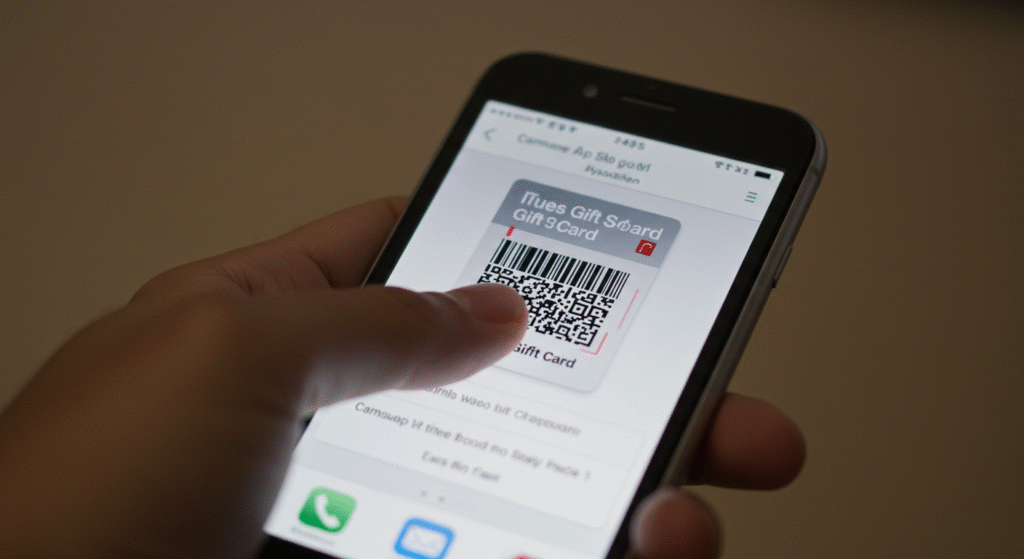
Ever get a digital iTunes gift card as an image, or perhaps a friend sent you an iTunes gift card picture they bought? You can easily redeem an iTunes gift card without having to manually type out the long code to get the credit on it. With your phone, you can actually scan the code directly from the image. Amazing, right?
This guide will show you how to quickly and easily redeem an iTunes gift card picture and add the credit to your account.
Step-by-Step Instructions to Redeem an iTunes Gift Card Picture
Want to redeem an iTunes gift card picture easily and without any hiccups? Then follow these simple steps on your iPhone, iPad, or iPod touch to redeem an iTunes gift card easily.
1. Open the App Store App
Tap on the App Store icon on your home screen.
2. Go to the Redeem Gift Card Section
Tap on your profile picture in the top-right corner of the App Store. From the account page, tap on “Redeem Gift Card or Code.”
3. Use the Camera to Scan the iTunes Gift Card Picture
On the next screen, tap on “Use Camera.” Your camera will now open. You’ll be prompted to point it at the physical gift card, but you can also use it to scan a picture you already have saved on your phone. Simply aim the camera at the code displayed in the picture.
If the image is blurry or the code isn’t being recognized, you can also select the “You can also enter your code manually” option and type it in.
4. Confirm Your Gift Card has Been Redeemed
Once the camera successfully scans the code, the App Store will automatically recognize the gift card’s value. Just tap “Redeem” to add the funds to your account. You’ll see a confirmation message, and the credit will be applied.
How to Take a Good Quality iTunes Gift Card Picture for Redemption
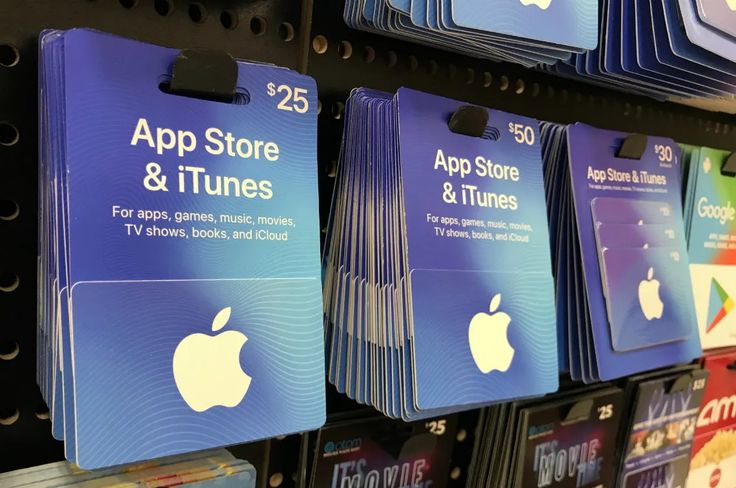
Taking a clear picture is the most important step for a successful camera scan. Let me show you how to take a quality iTunes gift card picture to make sure your code is readable when you want to redeem it.
- Find good lighting: Natural light is best. Avoid harsh shadows or glare from overhead lights that might obscure the code.
- Keep the camera steady: A blurry photo won’t scan. Hold your phone still or rest your arm on a table to get a sharp image.
- Take a straight-on shot: Try to take the picture from directly above the card. Taking the photo from an angle can distort the numbers and letters, making them harder for the scanner to read.
Redeem Gift Card with Gift Card Code Instead
If the camera doesn’t work or you just can’t use the camera to take your iTunes gift card picture at that point in time? Don’t worry, you can always redeem gift card manually by tapping on the option to enter the code yourself.
Quick Tips and Troubleshooting Common Issues for iTunes Gift Card
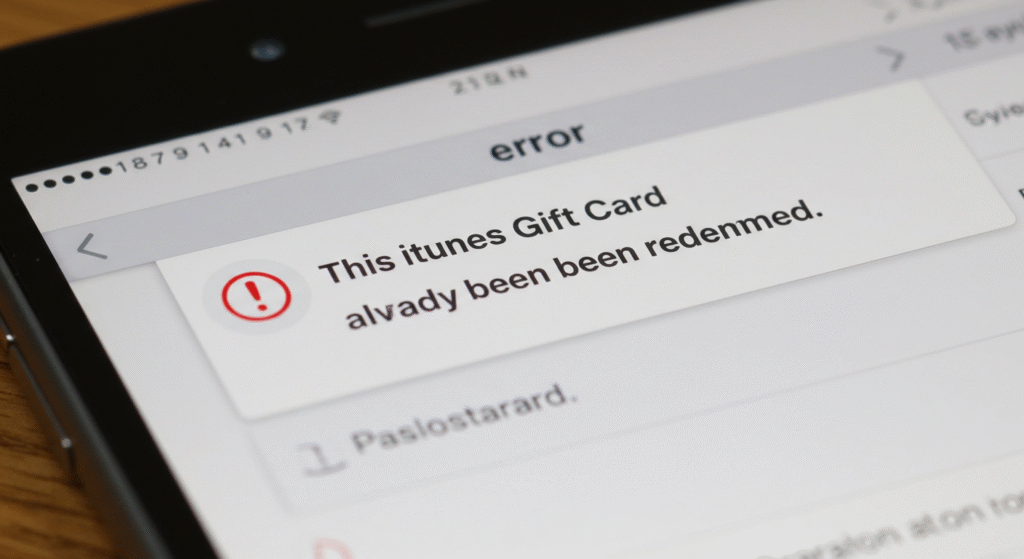
Sometimes things don’t go as planned. Here are a few common issues that you may face when trying to redeem iTunes gift card and what you can do about them.
iTunes Gift Card Code not Working?
Double-check that you’re typing the code correctly, especially if you’re entering it manually. Make sure you’re not mixing up “O” and “0” or “I” and “1”. If the code still doesn’t work, there might be an issue with the card itself.
iTunes Gift Card Has Already been Redeemed?
This means the credit has already been added to an account. If you just got the card, contact the person who sent it to you or the place where it was purchased.
iTunes Gift Code is Invalid?
This usually means the card wasn’t properly activated at the time of purchase. You’ll need to contact the retailer with your receipt to get it sorted out.
Security Precautions for iTunes Gift Card Pictures and Other Gift Card Types
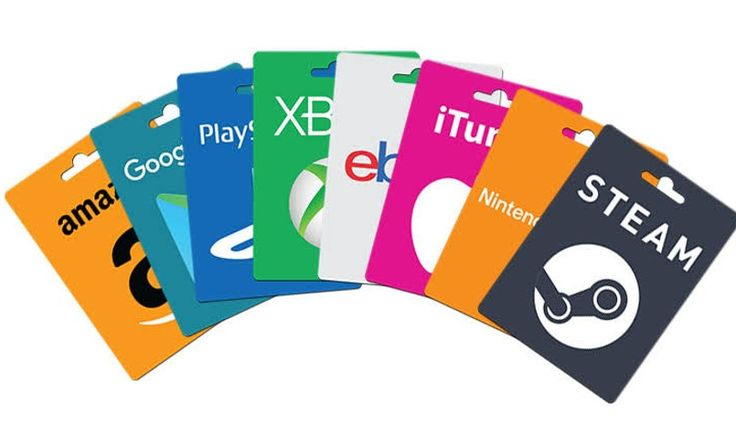
There are many scams involved in gift cards now, so sharing your iTunes gift card picture or any other type of gift card with just anybody can be very risky. If you’re not careful. Your gift card could get drained even before you are able to use it. On that note, here’s how to protect yourself:
Only Share iTunes Gift Card Picture with Trusted People or Platforms
Never post a picture of a gift card code in a public place online. Scammers can quickly copy the code and drain the funds.
Redeem Gift Card immediately
The safest thing to do when you get your gift card is to redeem gift card as soon as you receive the picture. The sooner you use the credit, the less chance there is for someone else to steal it.
If you would like to redeem your gift card for cash or crypto instead of adding credits to your Apple ID, you can use legit gift card exchange platforms like Xbanka. On Xbanka, you can easily exchange your iTunes gift card for cash or cryptocurrency. It is fast, safe, and you get instant payment
Conclusion
Keep your gift cards safe Once you’ve redeemed your iTunes gift card picture, the funds will be available in your Apple ID balance. You can use this credit to buy apps, games, movies, and more! Enjoy!
Frequently Asked Questions (FAQs)
Q: Can I redeem an iTunes gift card from a different country?
A: No, you can’t. iTunes gift cards are region-specific. You can only redeem a card in the country where it was purchased.
Q: What if the code on the card picture is scratched off?
A: If the code is unreadable, you won’t be able to redeem it. Your best bet is to ask the sender for a clearer picture or for a new card.
Q: Can I redeem a card that has been partially used?
A: The card must have a positive balance. If there is any remaining credit on the card, it should be redeemable, but the amount you get will reflect the remaining balance.