


How to Transfer Airtime on MTN
How to transfer airtime on MTN is a simple process that allows MTN users to share airtime credit with friends and family directly from their line. Whether you prefer using USSD codes, the MyMTN App, or SMS, MTN provides multiple convenient options to make airtime sharing fast and secure. Understanding how to transfer airtime on MTN also helps you stay connected in emergencies, support loved ones instantly, and manage your airtime more efficiently without visiting a service center.
What Is MTN Transfer PIN?
The MTN airtime transfer PIN is a 4-digit security code used to authorize and protect airtime sharing on MTN. Every time you try to share airtime, the MTN airtime transfer PIN is required to confirm that the transaction is being initiated by the rightful owner of the line. By default, MTN sets the airtime transfer PIN to 0000, but users are advised to change it immediately to prevent unauthorized airtime transfers and keep their balance safe.
How to Change Your MTN Airtime Transfer PIN (Step-by-Step)
You should follow these step to changing your MTN airtime transfer pin from default in order to enjoy and have access to transferring airtime at your own convenient time and space
- Dial *321# on your MTN line.
- Select Airtime Transfer from the menu options.
- Choose Change Transfer PIN: This option allows you to replace the default MTN airtime transfer PIN with a new one.
- Enter your current PIN: If you’ve never changed it before, enter the default PIN 0000.
- Enter a new 4-digit PIN.
- Confirm the new PIN: Re-enter the new PIN to complete the process. You’ll receive an SMS confirming the successful change of your MTN airtime transfer PIN.
How to Transfer Airtime via USSD on MTN
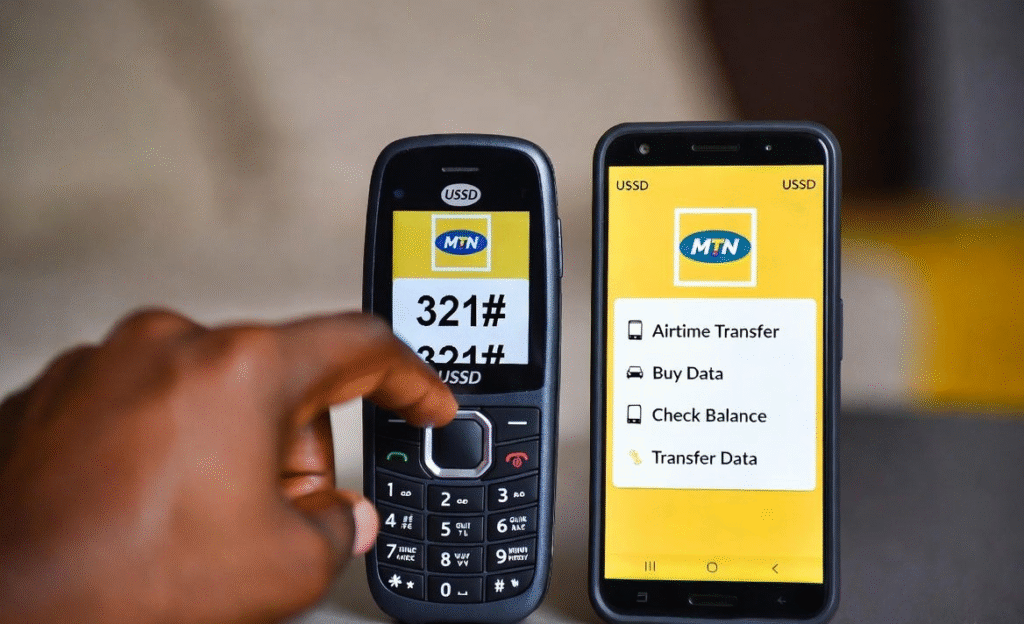
Transferring airtime via USSD is one of the fastest ways to share credit on MTN, and it works on all types of mobile phones. If you’re looking for a reliable method on how to transfer airtime on MTN, the USSD option is ideal because it does not require internet access and the process is completed within seconds.
Step Guide to Transfer Airtime via USSD on MTN
Here are the steps to follow when transferring airtime from MTN to MTN via USSD:
- Dial *321# on your MTN line.
- Select Airtime Share from the options
- Then choose Transfer Airtime from the menu.
- Enter the recipient’s MTN phone number.
- Enter the amount of airtime you want to transfer.
- Enter your MTN airtime transfer PIN.
- Confirm the transaction.
How to Transfer Airtime Using MyMTN App
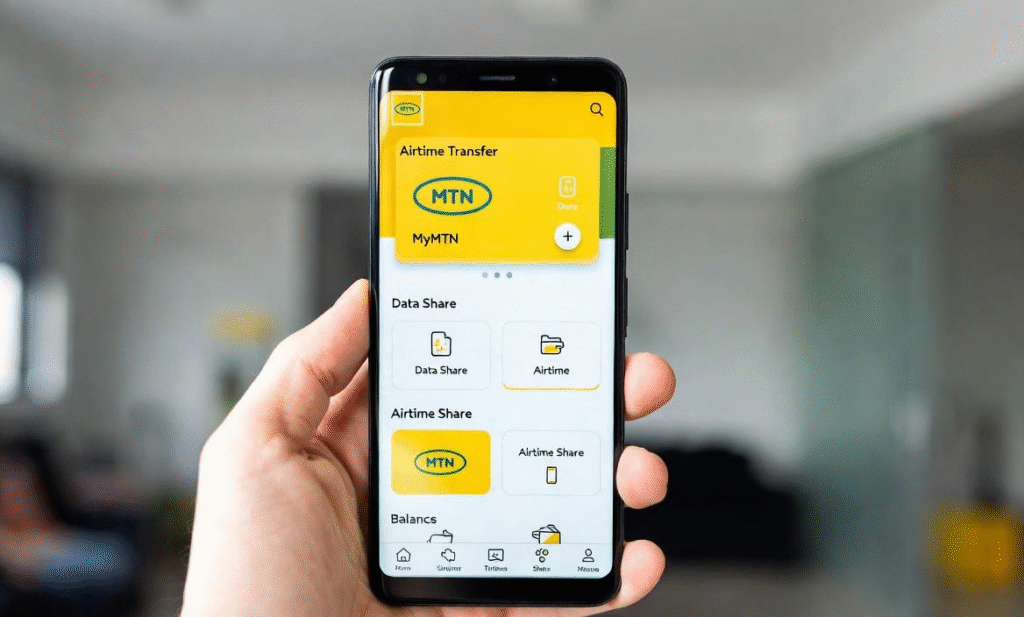
Using the MyMTN App is a convenient and user-friendly option for users who prefer a visual interface. This method is especially useful for smartphone users who want a smooth experience while learning how to transfer airtime on MTN without memorizing USSD codes.
Step-by-Step Guide to Transfer Airtime Using MyMTN App
Here are the steps to follow when transferring airtime on MTN using MyMTN App:
- Open the MyMTN App and tap “More” at the bottom-right corner of the home screen.
- From the “Share & Borrow” section, choose “Share Airtime/Data.”
- Next, select “Airtime Share” from the available options.
- Enter the recipient’s MTN number and the airtime amount you want to send.
- Finally, input your airtime transfer PIN to complete the transaction successfully.
How to Transfer Airtime Through SMS on MTN
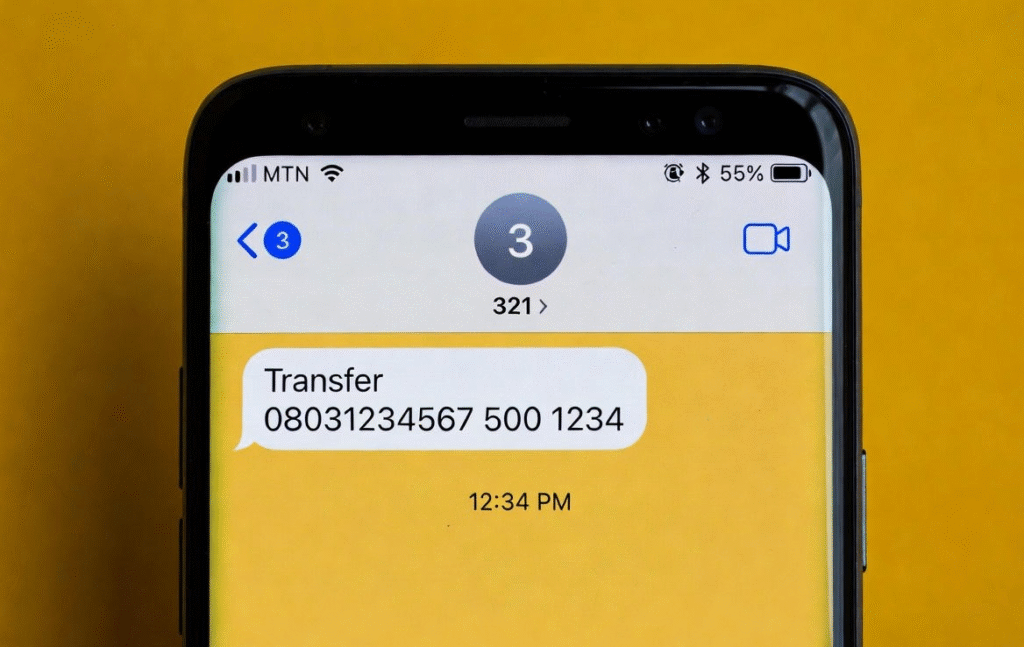
Transferring airtime through SMS is a simple option for users who prefer text-based commands. This method is useful when USSD codes are slow or unavailable and still makes how to transfer airtime on MTN easy without needing internet access.
Step Guide to Transfer Airtime Through SMS on MTN
Follow these steps to transfer airtime on MTN through SMS:
- Open the SMS app on your phone.
- Type the airtime transfer message format.
Enter: Transfer RecipientNumber Amount PIN
Example: Transfer 08031234567 500 1234
- Send the message to 321.
- Wait for confirmation. You will receive an SMS from MTN confirming whether the airtime transfer was successful.
Conclusion
Learning how to transfer airtime on MTN is essential for staying connected and helping friends and family top up their lines quickly. By using USSD, the MyMTN App, or SMS, and ensuring you have your MTN airtime transfer PIN, you can make each transaction secure and hassle-free. Following these step-by-step methods makes airtime sharing simple, fast, and reliable, whether you’re at home or on the go.
FAQs
Q1: Can I transfer airtime to any network?
No, MTN airtime transfer only works between MTN numbers.
Q2: Is there a limit to how much airtime I can transfer?
Yes, MTN sets daily and per-transaction limits depending on your account type.
Q3: What if I forget my airtime transfer PIN?
You can reset it by dialing *321# and following the prompt to change your MTN airtime transfer PIN.
Q4: Can I transfer airtime without the internet?
Absolutely! USSD and SMS methods work without an internet connection.