

What is MTN Data Transfer?
MTN data transfer is a convenient service that allows MTN subscribers to share or send their mobile data to another MTN number. This feature is useful for staying connected with friends, family, or colleagues without having to purchase additional data bundles. It works directly through USSD codes, the MTN app, or SMS, making data sharing fast and hassle-free.
Requirements for MTN Data Transfer
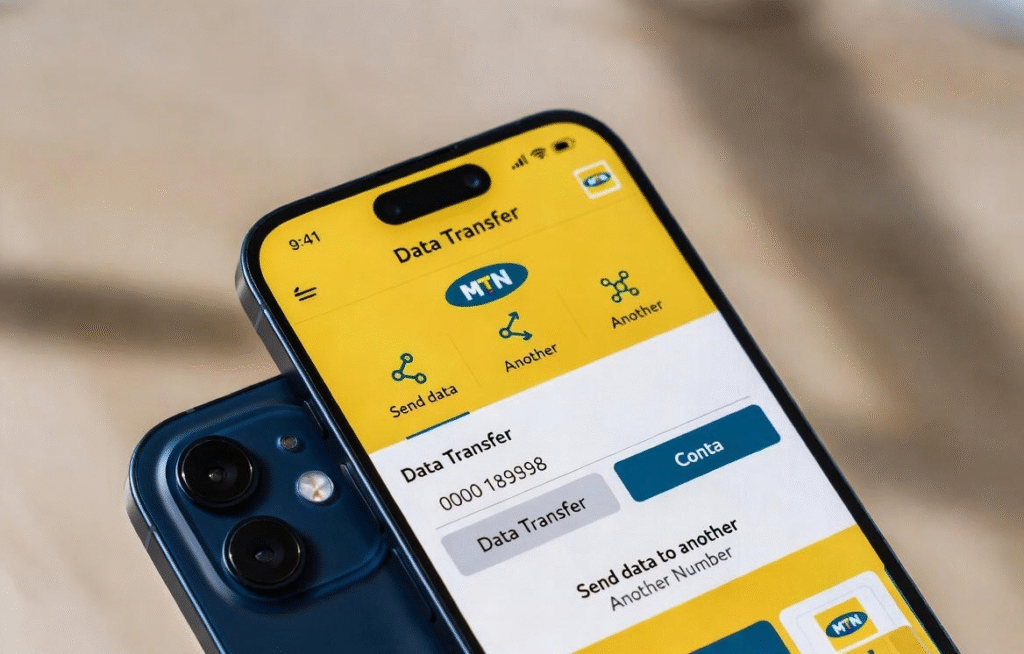
Before you can successfully transfer MTN data, there are a few requirements to keep in mind. Meeting these requirements ensures a smooth and successful data transfer process. Here are some of the requirements to meet before you do a MTN data transfer:
- An active MTN SIM card.
- Sufficient data balance for the amount you wish to transfer.
- The recipient must also be an MTN subscriber.
Ways To Transfer Data From MTN To MTN
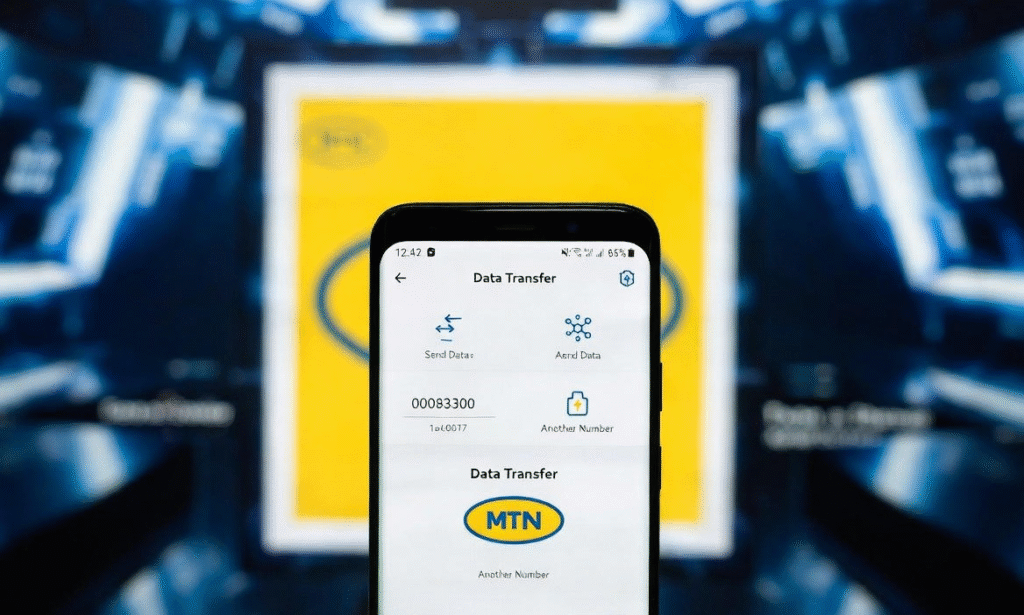
Transferring data from one MTN number to another is now easier than ever. MTN offers multiple methods that cater to different preferences. Each method is designed to be quick, reliable, and secure, ensuring that your data reaches the intended recipient without complications. Choosing the right method depends on your convenience, device type, and whether you prefer online or offline options. These ways are:
- Through USSD
- Using SMS
- Via MTN App
Transfer MTN Data Through USSD Code
The USSD method is the fastest and most widely used way to transfer MTN data. It works on all types of phones and does not require an internet connection.
- Dial the MTN data transfer USSD code, *321#, on your phone.
- Select ‘Gift Data’ (Option 2)
- Then choose ‘Transfer from Data Balance’ option
- Enter the recipient’s MTN phone number.
- Select the amount of data you want to transfer, then send
Transfer MTN Data Using SMS
The SMS method allows you to transfer data by sending a formatted text message. It’s useful when you prefer messaging or when USSD access is limited. You start by opening the messaging app, then send a message to 131 using this format:
Transfer (Recipient’s Number) (Data Amount). For example: Transfer 08031234567 200, to transfer 200MB to the recipient
Transfer MTN Data Via the MTN App
Using the MTN app is ideal for smartphone users who want a visual and guided process. The app also allows you to monitor your data usage easily.
- Log in to the myMTN App on your device
- Select the “Share” from displayed option
- Select “Share Data”
- Enter the recipient’s MTN number and choose the data amount.
- Confirm the transfer to send the data.
Rules and Limits For Transferring Data on MTN
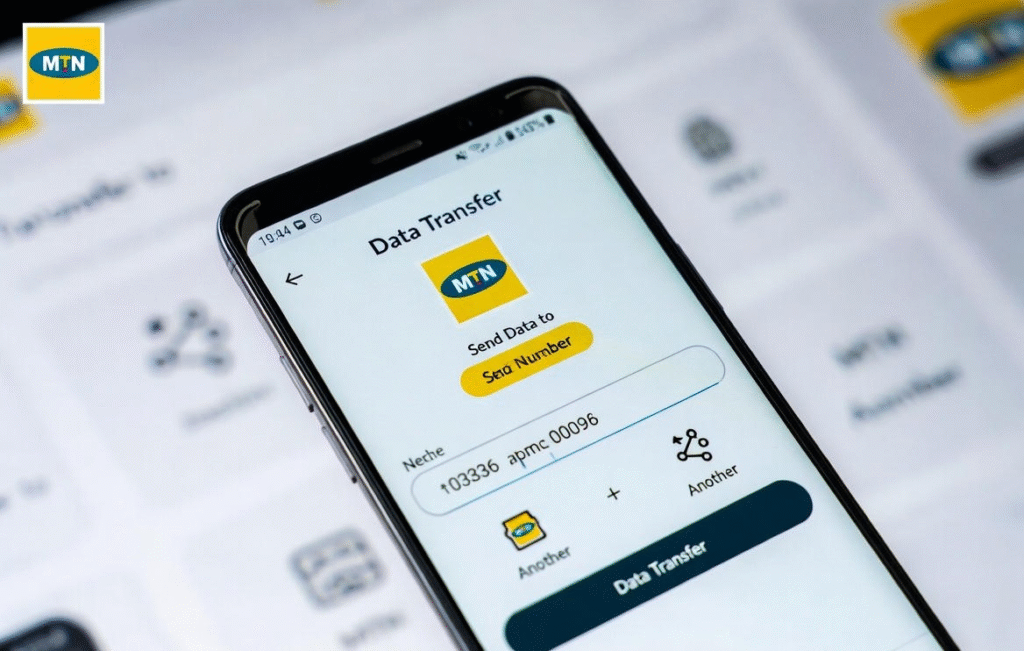
MTN data transfer is subject to certain rules and limits. There may be daily or monthly caps on how much data you can send, and only eligible data bundles can be transferred. Transferred data usually comes with an expiry date, so the recipient must use it on time. Knowing these rules helps you avoid failed transfers and wasted data.
Limits For Transferring Data on MTN
Here are a few limits to know when transferring data on MTN to avoid delays:
- Transferrable Amounts: You can send 100MB, 200MB, 500MB, 1GB, 2GB, 3GB, or 5GB per transaction.
- Daily Limit: You can transfer up to a cumulative maximum of 5GB per day.
- Monthly Limit: You are restricted to 10 transfers per month.
- Minimum Balance: You must have at least 100MB remaining in your own data balance after the transfer for it to be successful.
- Network Restriction: Data can only be transferred between MTN to MTN lines.
Conclusion
Understanding how to transfer data on MTN makes it easier to stay connected with friends and family without buying extra data. Whether you choose to transfer data via USSD, the MTN app, or through SMS, each method is simple and reliable. By knowing the requirements, rules, and limits for transferring data on MTN, you can avoid errors and make the most of your data balance. Always ensure the recipient’s number is correct and keep MTN’s transfer limits in mind for a smooth experience.
FAQs
1. Can I transfer MTN data to another network?
No, MTN data can only be transferred from one MTN number to another MTN number.
2. Does transferred MTN data expire?
Yes, transferred data usually comes with an expiry date. The recipient must use the data before it expires.
3. Why is my MTN data transfer not working?
This could be due to insufficient data balance, exceeding daily or monthly limits, or entering an incorrect recipient number.