


How to Use and Buy PayPal Gift Card: Your Complete Guide
If you’ve ever considered getting a PayPal gift card, you’re not alone. Every day, more people in Nigeria, Ghana, and beyond are discovering the convenience of digital gift cards. A PayPal gift card allows you to shop online quickly and safely, pay for subscriptions, or send money to loved ones.
The best part is you don’t need a credit card or a complicated setup—you just need a PayPal account. In this guide, we’ll go through everything you need to know about PayPal gift cards, including popular types of gift cards on Paypal, where to buy them, and how to use them easily.
What is a PayPal Gift Card?
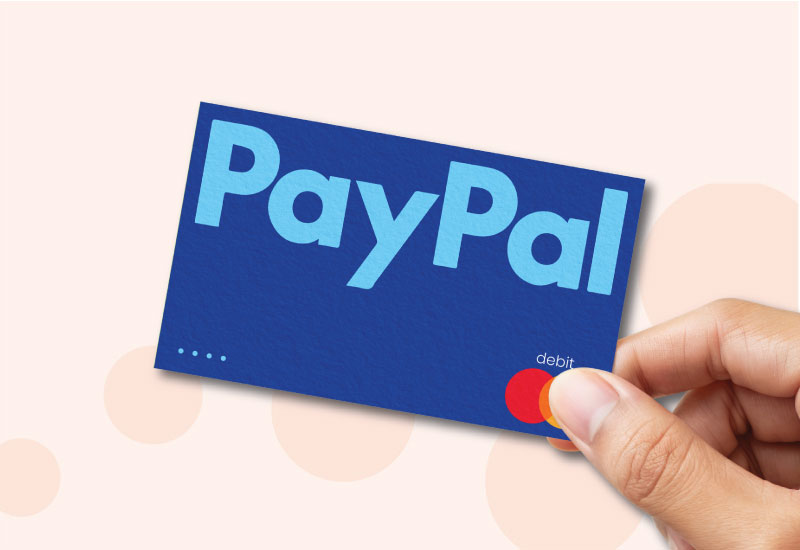
A PayPal gift card works like a prepaid balance that you add to your PayPal account.
Once it’s been redeemed, it acts just like the money you already have in your PayPal account, and you can spend it anywhere PayPal is accepted. Now, when people hear “PayPal gift card,” most people often imagine just one branded card, but in reality, there are two main types, and knowing the difference helps you make the most of it.
PayPal Digital Gift Cards (Apple, Steam, etc.)
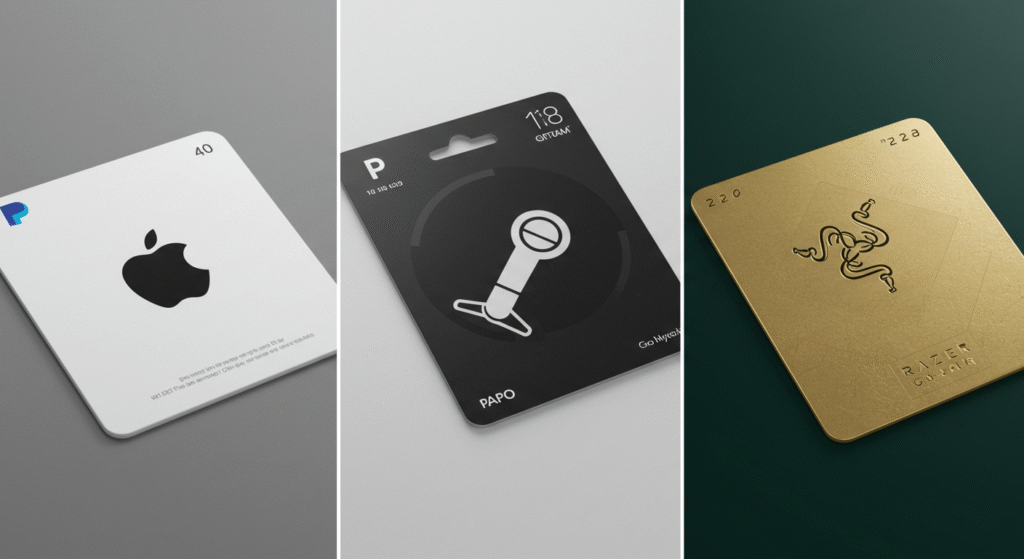
Alt text: Apple gift card PayPal, Steam gift card PayPal, and Razer gift card PayPal options available online.
These are Paypal e-gift cards you can buy directly with PayPal. You would see popular gift cards like an Apple gift card PayPal, a Steam gift card PayPal, or even Netflix and Uber. These are gift cards you can buy online on the PayPal digital store and pay for using your PayPal account. You will get a digital code instantly, and then you can use it on your favorite platforms. It is very convenient for online shoppers and gamers who want instant access.
PayPal Prepaid Gift Cards (Reloadable Balance Option)
On the other hand, there’s the PayPal-branded prepaid gift card. This works more like a stored-value debit card. You load it with money and spend it anywhere PayPal is accepted. Unlike the one-time-use gift vouchers, this option can be reloaded, making it good for budgeting or as an alternative to carrying cash.
“Want a faster way to get your branded gift cards? Try Xbanka — a trusted platform where you can buy, sell, and exchange PayPal gift cards instantly
Where to Buy PayPal Gift Cards Online
There are different ways to buy PayPal gift cards online, depending on what you need or prefer.
Buy PayPal Gift Cards Online
You can easily buy gift cards directly from the PayPal digital gift card store. Here, you can purchase PayPal e-gift cards instantly and receive the code by email. You can buy gift cards not just from PayPal, but also from stores like Amazon, Walmart, and Target. Many online platforms offer instant delivery, making it easy to get last-minute gifts.
Buy Gift Cards via Secure Platforms like Xbanka
If Paypal is not available for your region, you can buy gift cards through trusted platforms like Xbanka. Xbanka lets you buy, sell, and exchange gift cards (including PayPal, Razer Gold, Steam, and Apple) with smooth transactions and secure payments.
Popular PayPal Gift Card Options
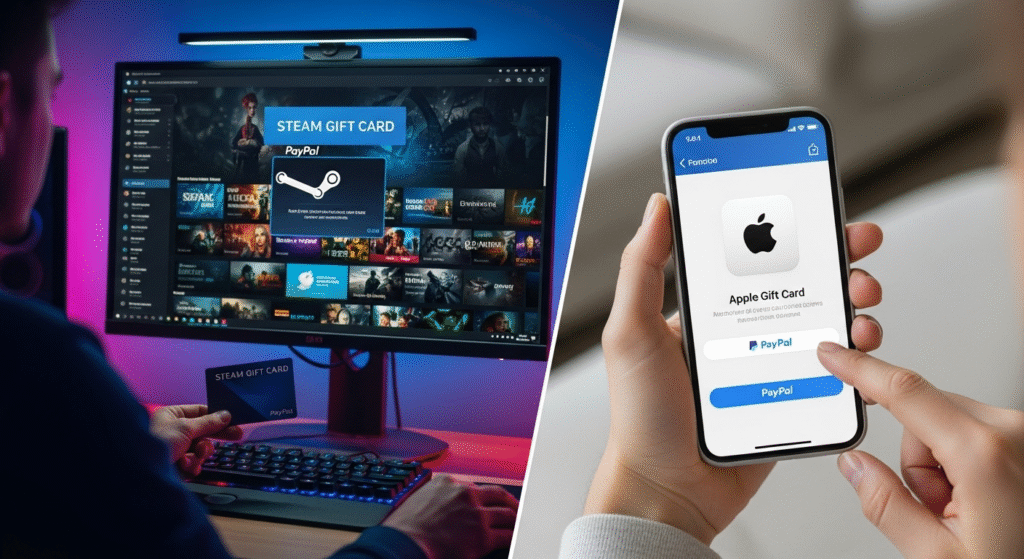
One of the greatest advantages of using PayPal gift card is the wide range of gift card options available. Regardless of whether you enjoy gaming, entertainment, or regular shopping, there’s a card that suits your interests.
Gaming Gift Cards (Steam, Xbox, PlayStation, Roblox, Razer)
You can grab a Steam gift card PayPal for PC games, a PlayStation or Xbox gift card for consoles, or even a Roblox card for in-game credits. It’s the easiest way to top up your accounts without needing a credit card.
Shopping & Entertainment Gift Cards (Apple, Google Play, Netflix, Uber, Walmart)
With PayPal you can also buy everyday favorites like Apple gift cards PayPal, Google Play, Netflix, Uber rides, and even Walmart shopping cards. This makes PayPal gift card just perfect for birthdays, festive gifting, or just treating yourself.
How to Redeem a PayPal Gift Card
Once you have your PayPal gift card, the next step is to redeem it. Not to worry, the process is quite a simple one. Redeeming a gift card is just as easy as buying one.
Redeem PayPal Gift Card on Your Account
- Log in to your PayPal account.
- Go to the Wallet section.
- Look for the “Redeem Code” option.
- Enter your PayPal redeem code and the balance will be added instantly in your account.
Now you can spend it anywhere PayPal gift card is accepted. Whether it is shopping online, buying digital content, or paying for services.
Redeem PayPal Gift Card Code at Checkout
Don’t want to link it to your account? You can use it directly:
- Add items to your cart on any website that accepts PayPal.
- Select PayPal at checkout.
- Enter your gift card code and apply it.
- If the purchase costs more than the card’s balance, you can cover the difference with another method.
Where to Use PayPal Gift Cards
- Shop online on thousands of sites that accept PayPal.
- Buy gaming credits like Steam gift cards or Razer Gold card PayPal options.
- Purchase apps, movies, and music with an Apple gift card via PayPal.
- Exchange your gift card for cash or crypto on gift card trading platforms like Xbanka.
It’s not just about shopping. Many people use these gift cards to budget their spending by ensuring they don’t overspend beyond what’s on the card.
If you’re looking for a secure, all-in-one platform to buy or sell your gift cards, Xbanka makes it simple. You can buy, sell, or trade gift cards for cash or crypto whenever you need.
How to Check PayPal Gift Card Balance
Knowing your gift card balance is important to avoid surprises. Don’t know your card balance? Here’s how to check it:
- Log in to your PayPal account.
- Navigate to the Wallet tab.
- Your PayPal gift card balance will be displayed.
Alternatively, some cards have a customer service line you can call to check your balance.
Why Use PayPal Gift Card?
- Convenience: Instant delivery for e-gift cards online.
- Security: No need to share your banking info when shopping.
- Flexibility: Use it for online shopping, gaming, apps, and more.
- Perfect gift option: If you’re unsure what to get someone, a PayPal gift card keeps it simple.
Platforms like Xbanka enhance these by letting you buy, sell, and exchange PayPal gift cards and others like iTunes, Steam, or Razer Gold—all in one place.
Conclusion
Whether you’re looking to buy a Steam gift card PayPal for gaming, or you just want to know where to buy a PayPal gift card, the process is easy. From digital codes to prepaid options, PayPal makes it simple to shop, gift, and pay securely online.
And if you’re looking for even more options, platforms like Xbanka make it easy to buy, sell, and exchange gift cards like iTunes, Razer Gold, Steam, and more—all with peace of mind.
So, the next time you’re wondering about the best gift card to buy, PayPal gift cards should be high on your list. From buying PayPal gift cards to exchanging them for Apple, Razer Gold, or Steam, Xbanka has you covered. Start your next purchase today with Xbanka
FAQs
- Can I use PayPal to buy Apple gift cards or Steam gift cards?
Yes. You can buy an Apple gift card PayPal, Steam gift card PayPal directly with PayPal. - Can you use PayPal gift cards internationally?
Yes, but availability depends on the retailer. Some gift cards are region-specific, so always check the terms before making a purchase.. - How do I check my PayPal gift card balance?
Log in to your PayPal account, go to Wallet, and check your balance. - What’s the difference between PayPal gift cards and PayPal prepaid cards?
A PayPal gift card is for one-time use until the balance runs out, while a prepaid card can be reloaded multiple times.